LEARN · PROMPTS
Interior Rendering Prompts: 6 AI Prompts for Interiors
Published 5 min read
Interior renders live or die by light and materials. A good interior rendering prompt names the room, the key pieces of furniture, a tight material palette and where the light comes from. Below are six ready-to-use AI prompts for interior renders, each with a note on why it works.
The Formula Behind Every Prompt
- Room type and use — kitchen, hotel bedroom, office, cafe.
- Key furniture — the two or three pieces that define the space.
- Material palette — three or four materials, such as oak, stone and brass.
- Light sources — window light, lamps, pendants, skylight; time of day.
- Camera and mood — eye level, cozy, bright, calm, busy.
Choose the architectural style and aspect ratio in QUVIAI's panels instead of writing them into the prompt.
6 Interior Rendering Prompts
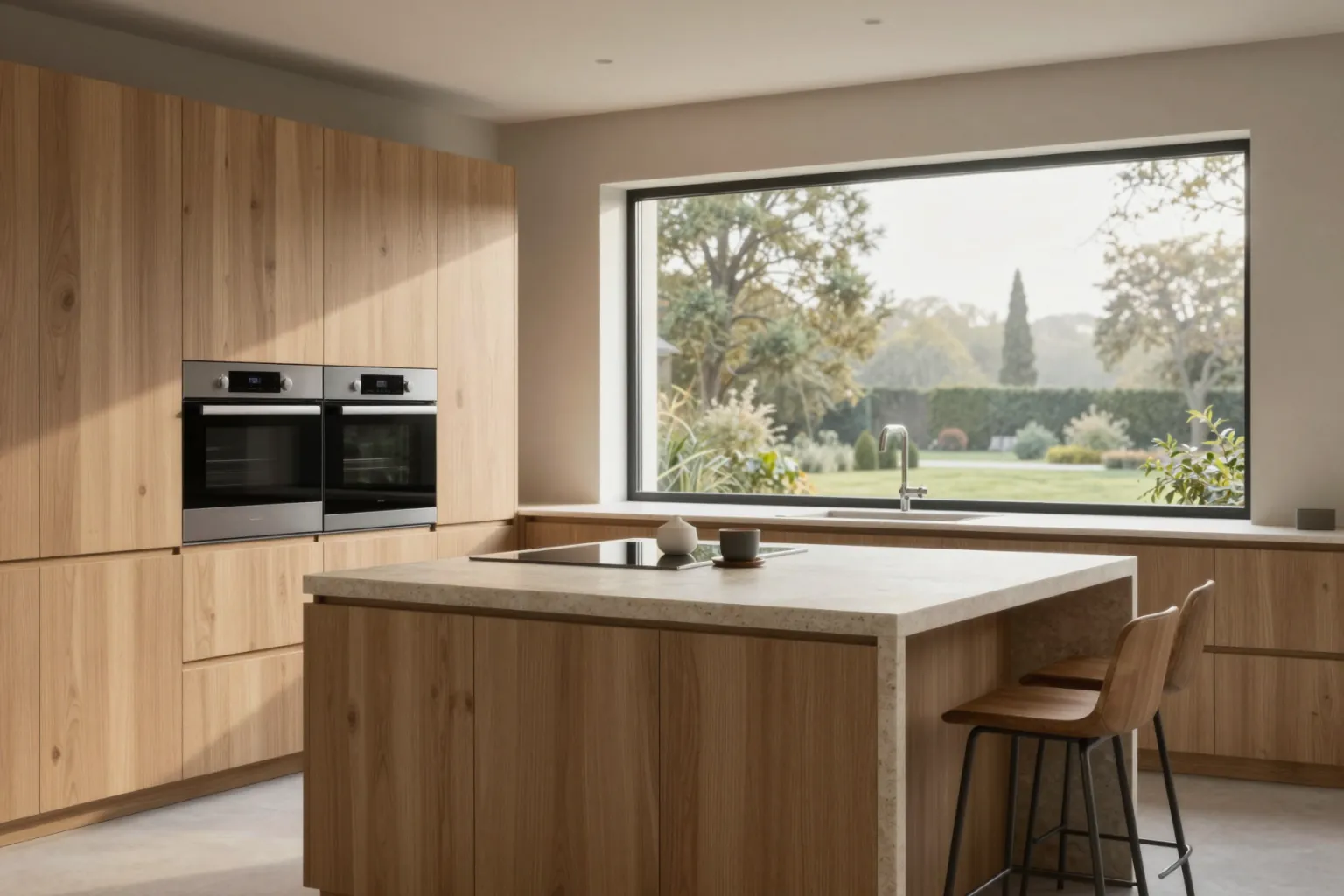
1. Minimalist kitchen
"A minimalist kitchen with flat oak cabinets, a honed stone island, integrated appliances and a large window with garden view, soft morning light, eye-level interior photography"
Why it works: Limiting the palette to oak and stone keeps the image calm and lets the light do the work.
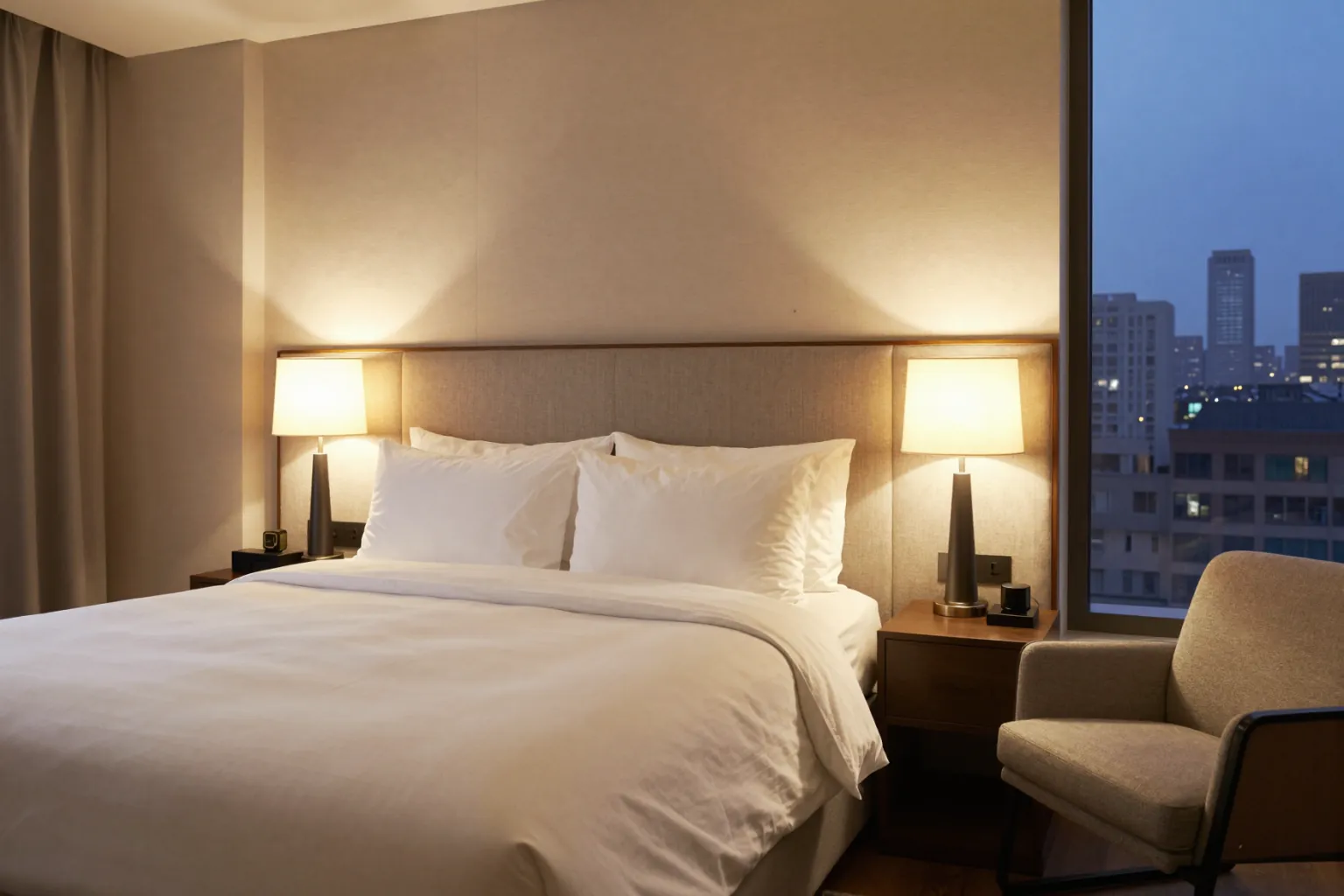
2. Hotel bedroom
"A boutique hotel bedroom with an upholstered headboard wall, warm bedside lamps, linen bedding, a small lounge chair and city view at night, cozy atmosphere"
Why it works: Several named light sources at night make the room feel inviting rather than dark.
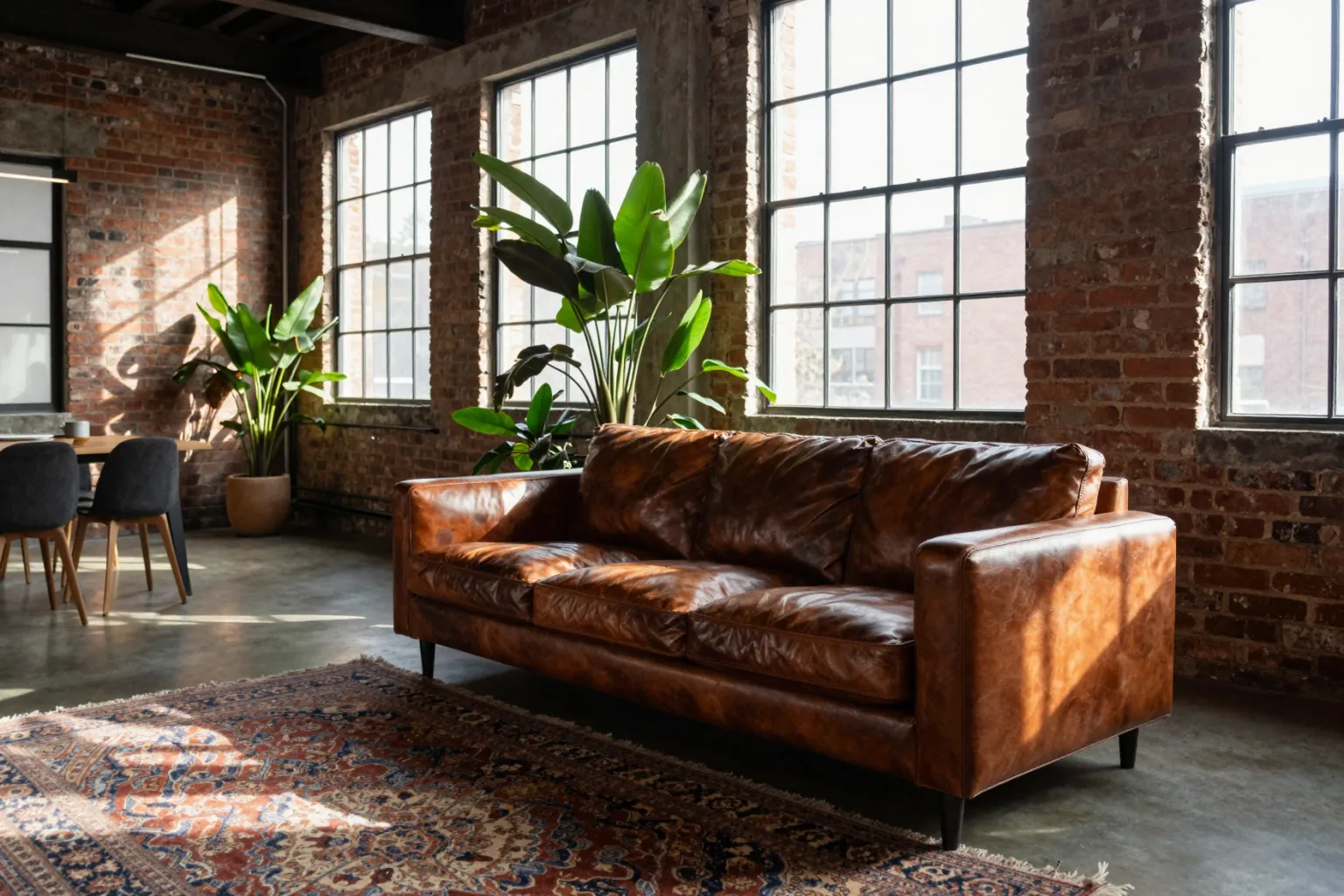
3. Industrial loft living room
"An industrial loft living room with exposed brick walls, black steel windows, a worn leather sofa, a large rug and plants, late afternoon sun streaming in"
Why it works: Directional afternoon sun through steel windows creates the classic loft look.
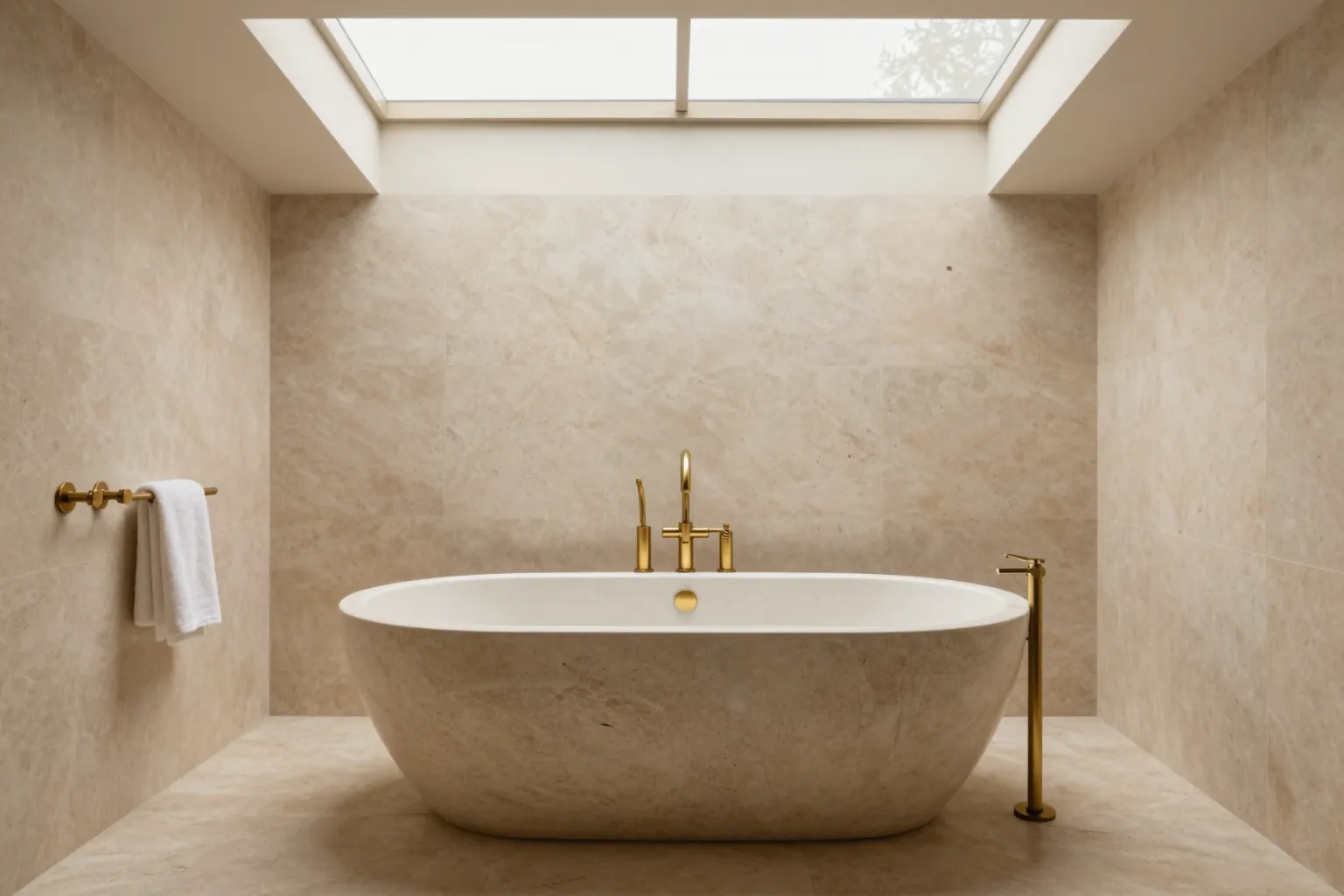
4. Spa bathroom
"A spa bathroom with travertine walls and floor, a freestanding stone bathtub, brushed brass fittings and a skylight above, soft diffused daylight"
Why it works: Natural stone plus soft top light reads as calm and luxurious.
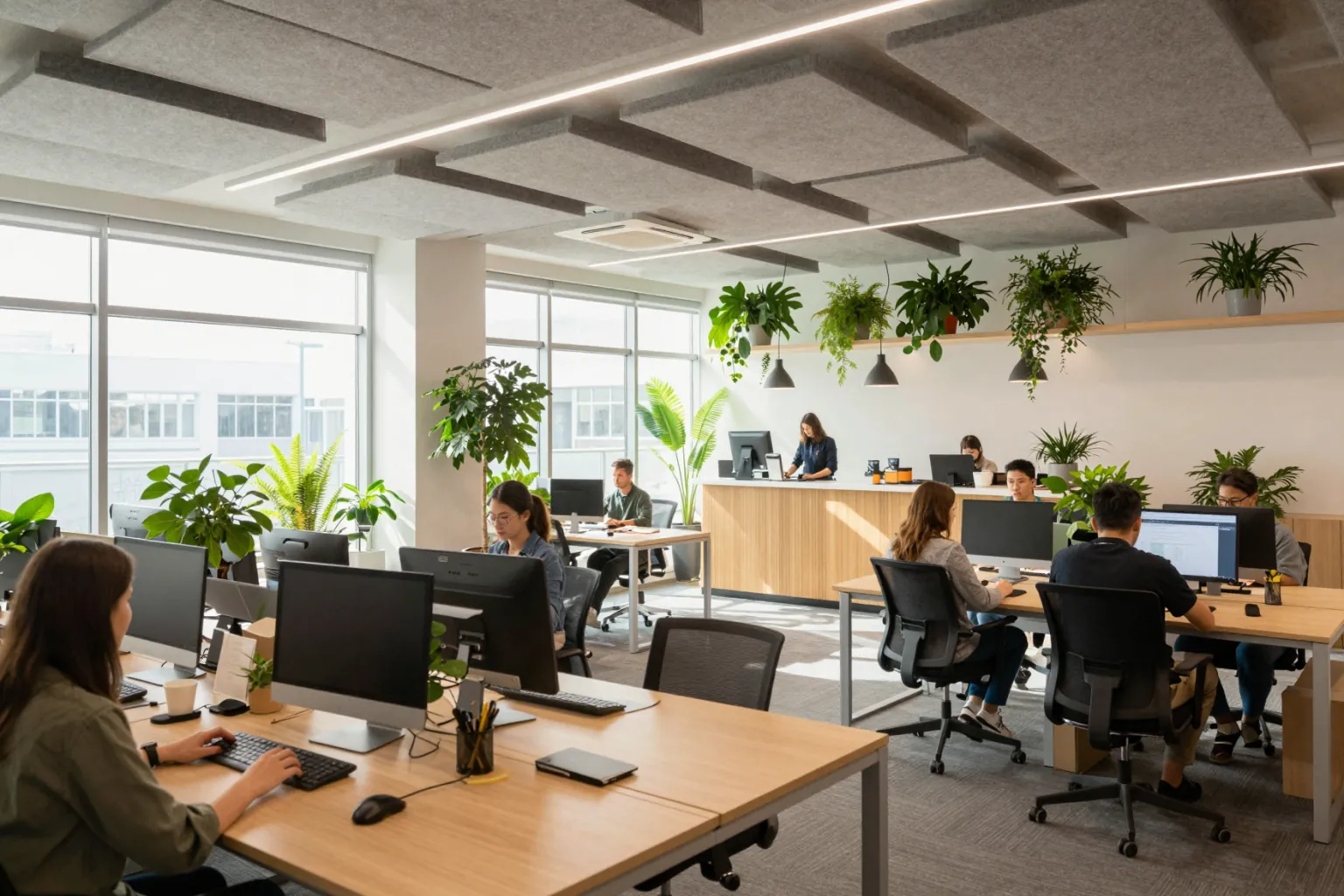
5. Co-working office
"A bright co-working office with long shared desks, acoustic felt panels on the ceiling, plants, a coffee bar and large windows, people working, daylight"
Why it works: Including people and acoustic details makes the space feel used and believable.
6. Cafe interior
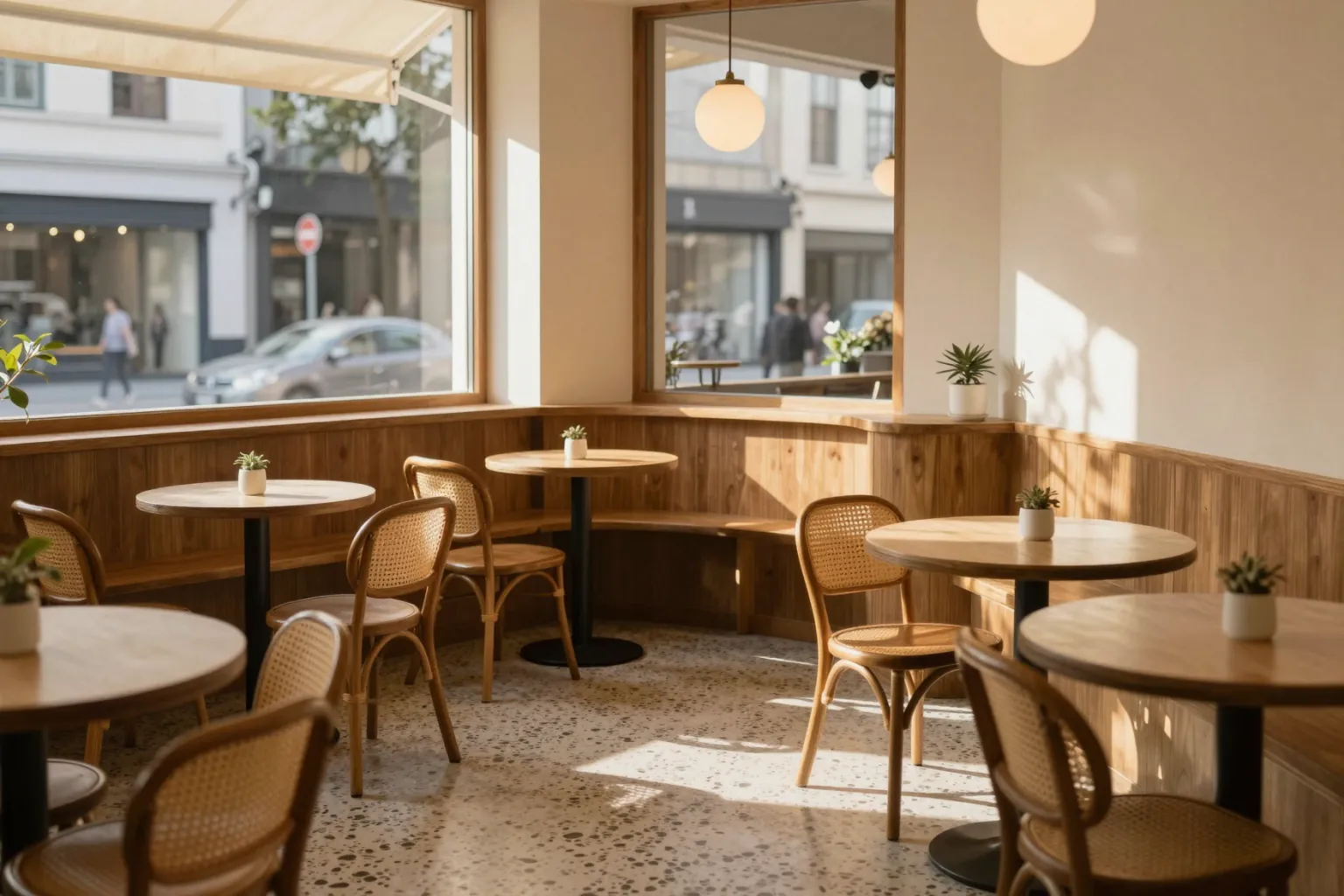
"A small cafe interior with a terrazzo floor, a curved timber counter, globe pendant lights, rattan chairs and a street-facing window, warm afternoon light"
Why it works: Specific materials (terrazzo, timber, rattan) give the AI a clear, cohesive palette.
Tips for Better Interior Renders
- Keep the palette tight. Three or four named materials give more coherent results than a long list.
- Name every light source for evening scenes so the room does not turn dark.
- Add life sparingly. A plant, a book or one person makes a space feel lived in without clutter.
- Redesign real rooms. Upload a room photo and use these prompts with AI interior design or virtual staging.
Frequently Asked Questions
What is a good AI prompt for an interior render?
Name the room, two or three key furniture pieces, a short material palette and the light source — for example "a minimalist kitchen with oak cabinets, a stone island and soft morning window light".
Can I use these prompts on a photo of my own room?
Yes. Upload the room photo and add "keep the walls, windows and camera angle unchanged" so only the furnishing and finishes change.
How do I change only one material in an interior render?
Use masked editing: select the surface, such as the cabinets or the floor, and describe the new material. See masked vs maskless AI editing.