AI RENDERING GUIDE
AI Architecture Prompts: How to Write Prompts for Architectural Renders
Published 7 min read
The difference between a generic AI image and a convincing architectural render is usually the prompt. Vague prompts like "modern house" leave every decision to the model; a good AI architecture prompt describes the building, its materials, its setting and the light the way an architect would brief a photographer.
This guide gives you a simple structure for architectural prompts, six example prompts for exteriors, interiors, details, masterplans and landscape, and the most common mistakes to avoid.
The Structure of a Good Architectural Prompt
Most strong prompts cover the same five things, in roughly this order:
- Building or space type: villa, office lobby, kitchen, courtyard, urban block.
- Form and key elements: cantilevered terraces, deep window reveals, double-height space.
- Materials: board-formed concrete, oak, terracotta tiles, brushed steel.
- Setting and context: hillside, city street, sea view, olive trees.
- Light and camera: golden hour, overcast, night with warm interior light; eye-level, aerial, wide-angle.
In QUVIAI the architectural style (Modern, Neoclassical, Bauhaus, Art Nouveau and more) and the aspect ratio are chosen in separate panels, so you do not need to write them into the prompt. See our text to image guide for the full workflow.
Six Example AI Architecture Prompts
Each prompt below was written with the structure above. Copy one, change the building type, materials or light, and you have a new brief.
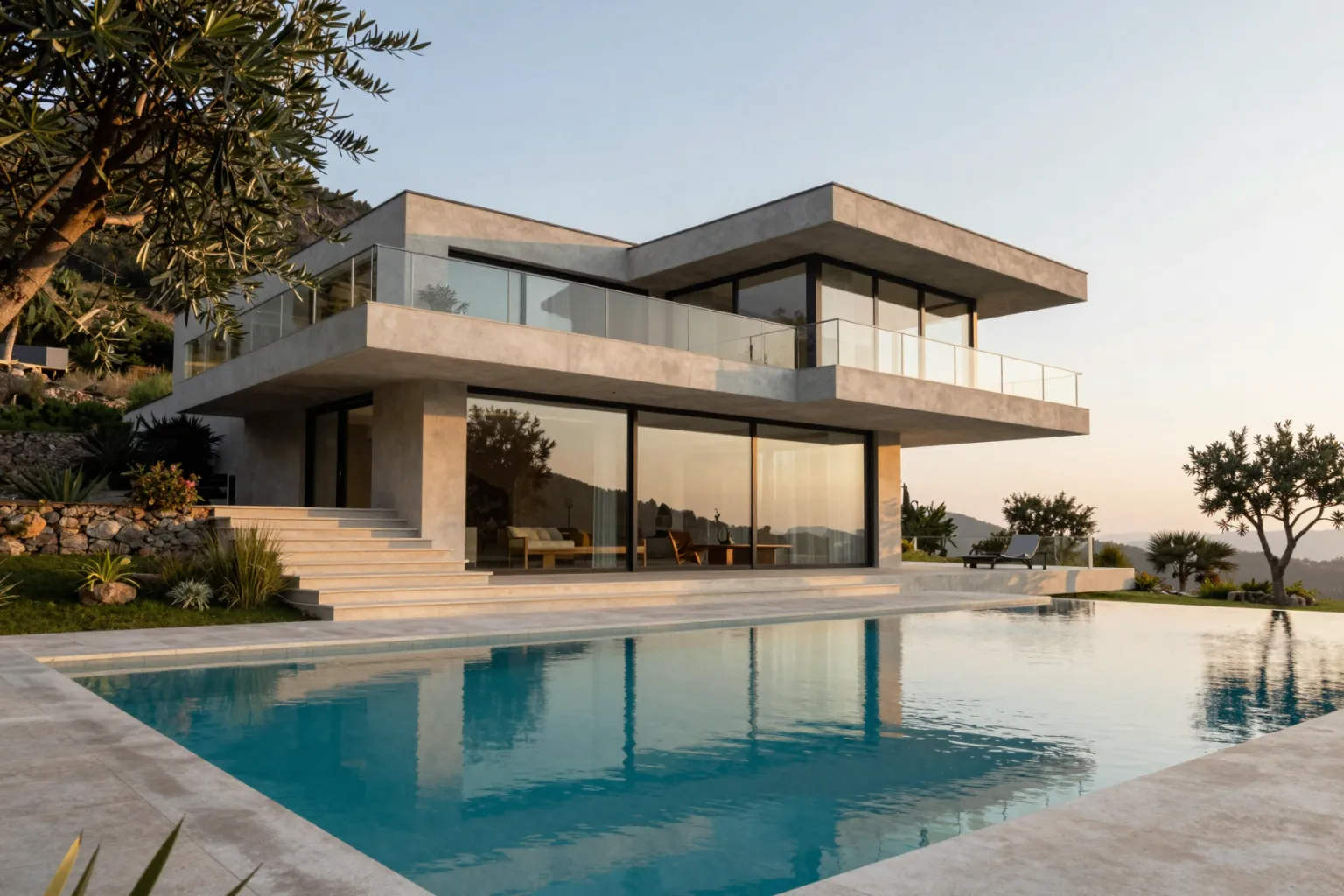
1. Modern villa exterior
"A modern two-story villa on a hillside with cantilevered concrete terraces, floor-to-ceiling glass, thin steel railings, infinity pool in front, olive trees, late afternoon golden light, wide-angle architectural photography"
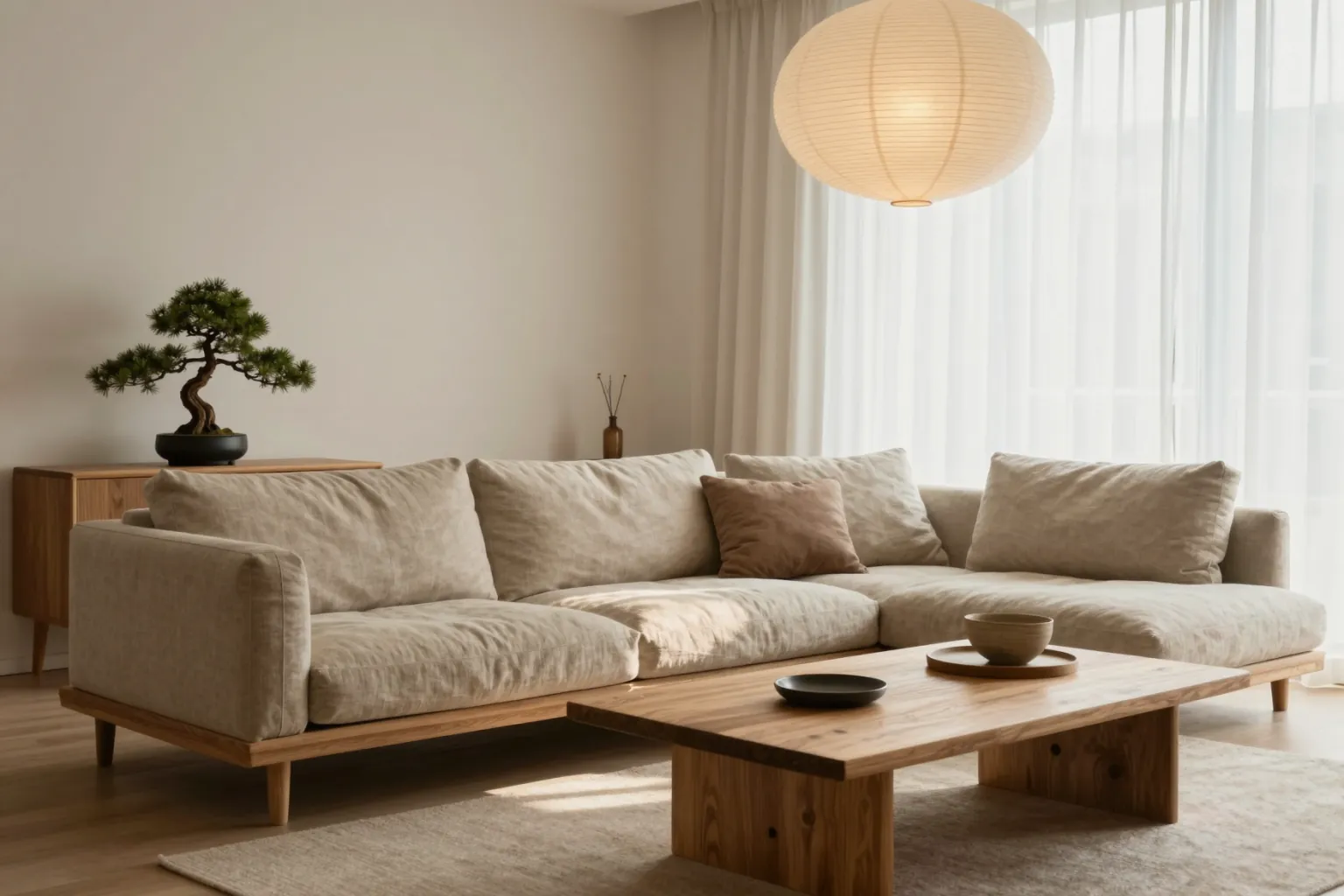
2. Japandi living room
"A Japandi living room with low oak furniture, a linen sofa in warm beige, a paper pendant lamp, a large window with sheer curtains, a bonsai on a side table, soft morning light, calm and minimal interior photography"
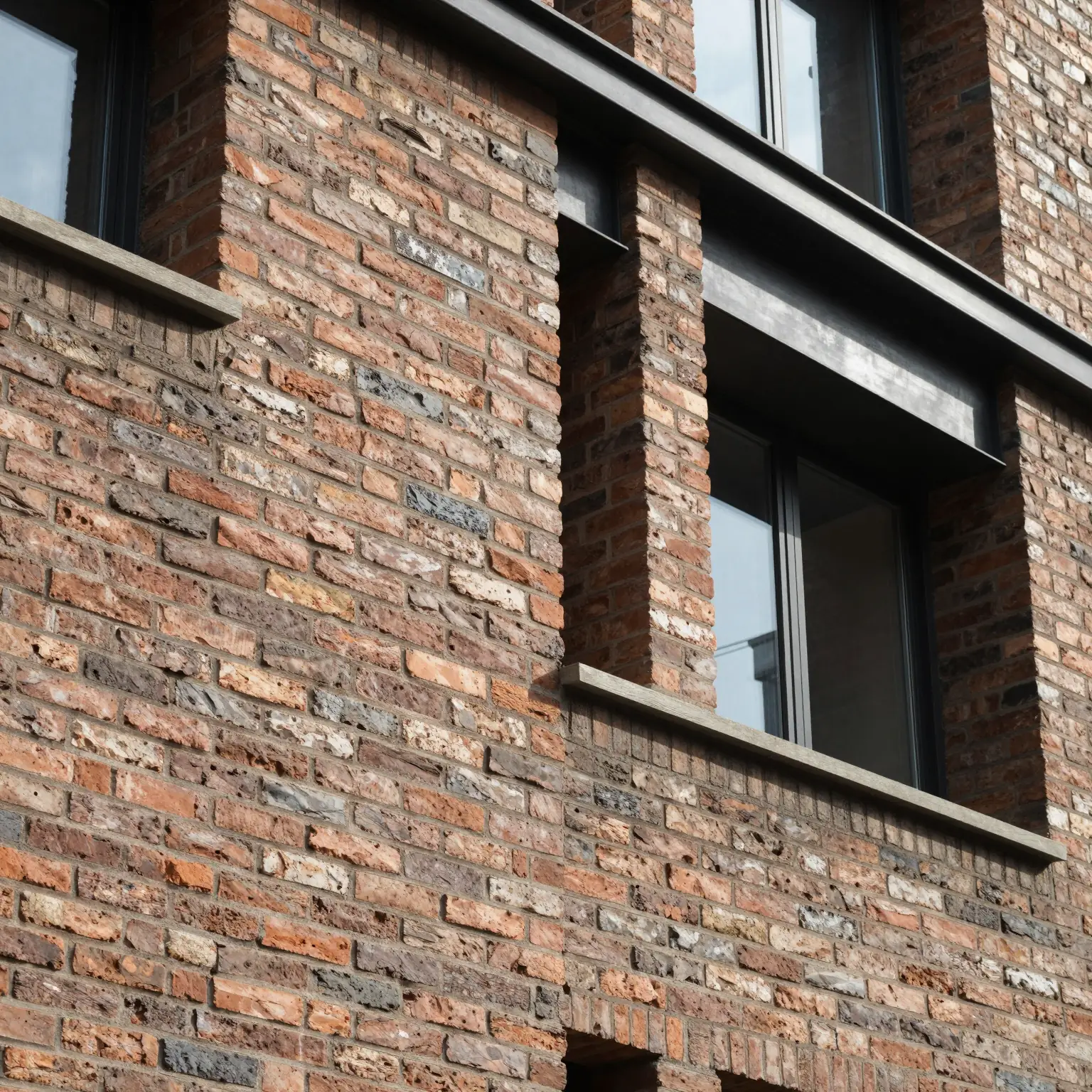
3. Brick facade detail
"Close-up of a contemporary brick facade with deep window reveals, dark steel lintels and flush glazing, raking sunlight showing the brick texture, eye-level architectural detail photograph"
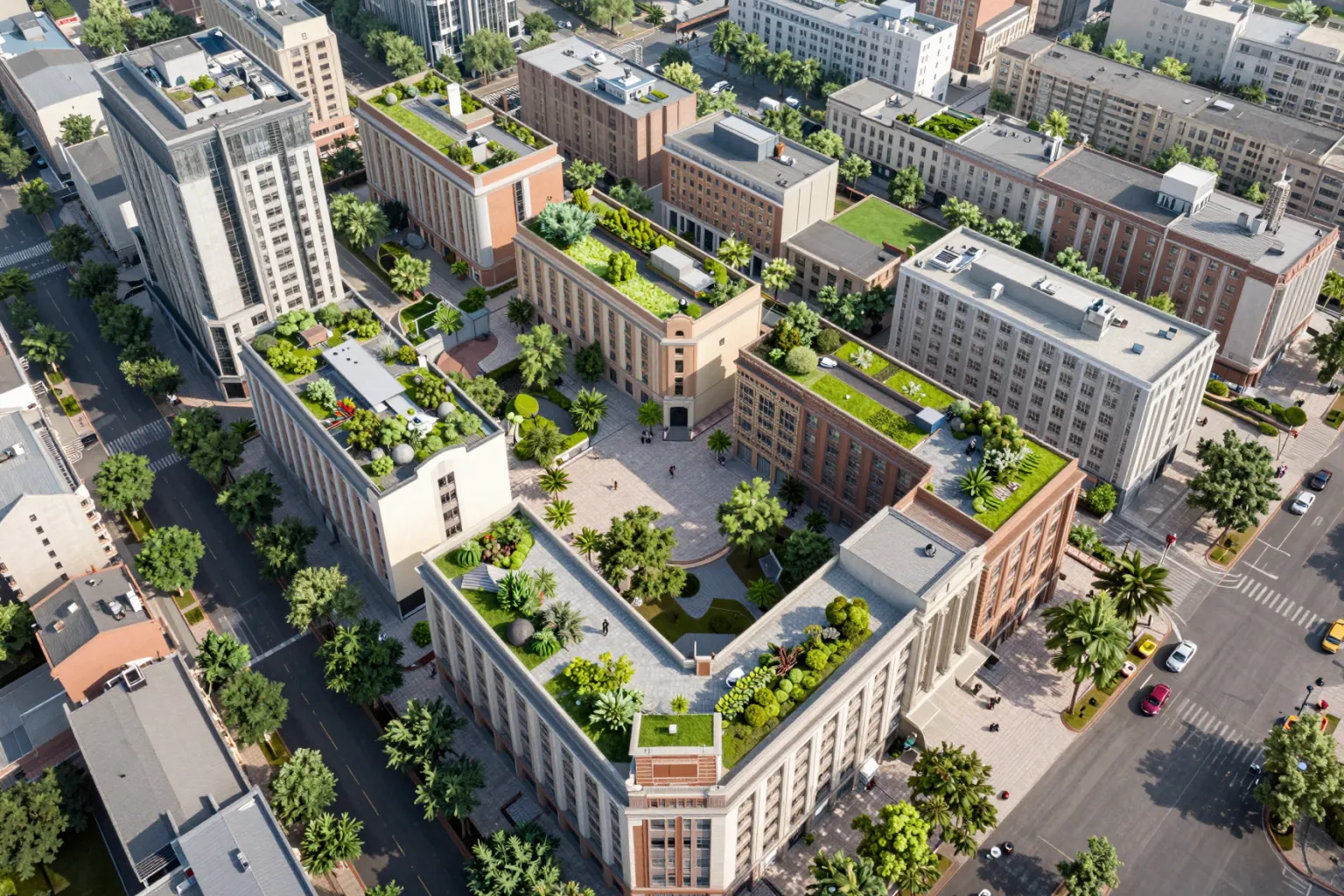
4. Aerial urban masterplan
"Aerial view of a mixed-use urban block with mid-rise buildings around green courtyards, rooftop gardens, tree-lined pedestrian streets and a small central plaza, clear day, soft shadows, masterplan visualization"
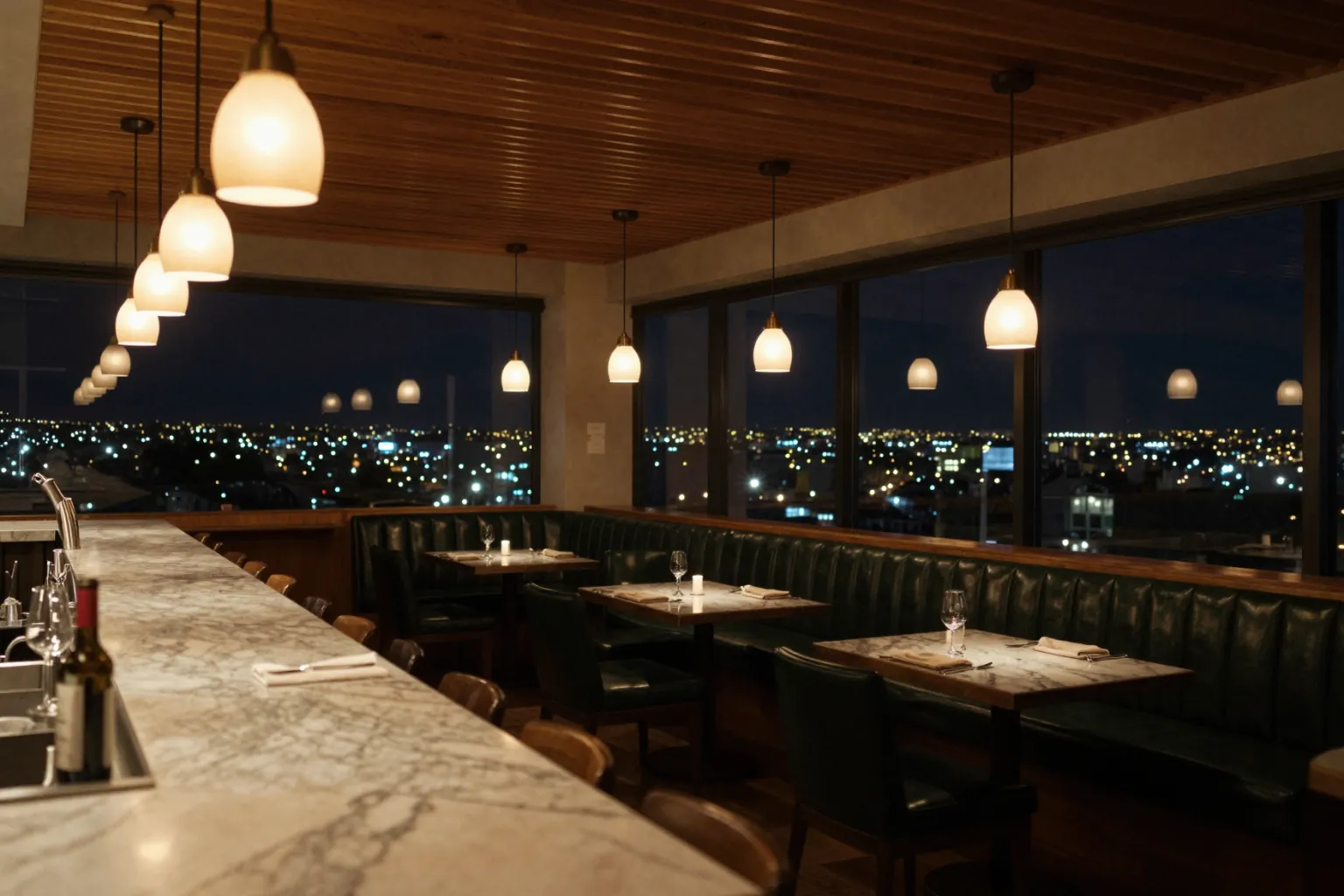
5. Restaurant interior at night
"A restaurant interior at night with a slatted timber ceiling, a long marble bar counter, warm pendant lights, dark green leather banquettes and city lights visible through large windows, cozy atmosphere"
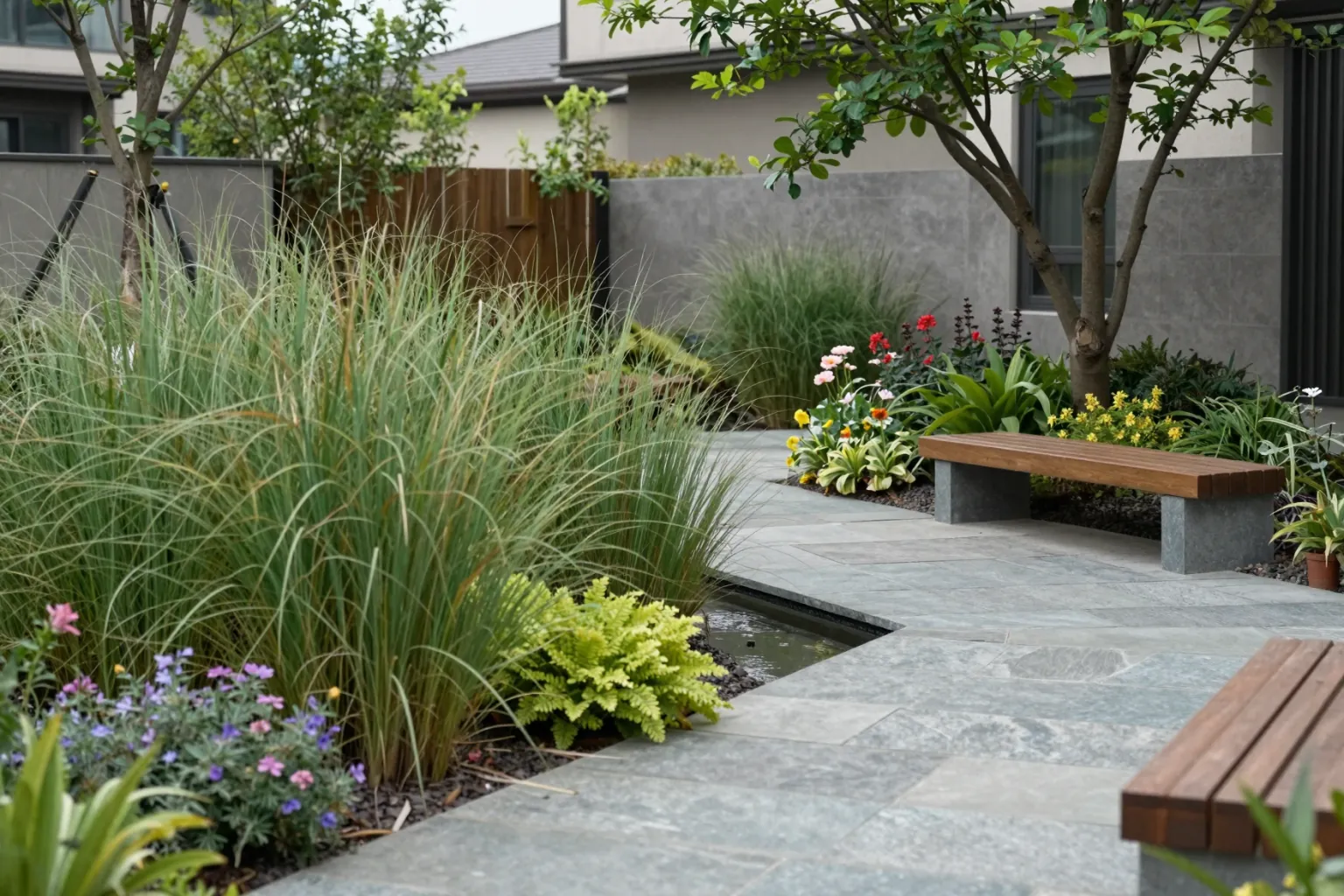
6. Landscaped courtyard
"A residential courtyard with native grasses and flowering perennials, large stone paving slabs, a shallow water feature, wooden benches and a single multi-stem tree, overcast soft light, landscape architecture photography"
Common Prompt Mistakes
- Too vague: "nice modern house" gives the model nothing to work with. Name materials, setting and light.
- Contradicting yourself: "minimalist interior full of ornate furniture" forces the model to guess.
- Listing too many objects: ten pieces of furniture in one sentence often produces clutter. Describe the main pieces and the mood.
- Forgetting the light: lighting changes the mood more than any material. Always state the time of day or light source.
- Naming the style twice: choose the style in the style panel and keep the prompt for the scene itself.
Prompts for Editing, Not Just Generating
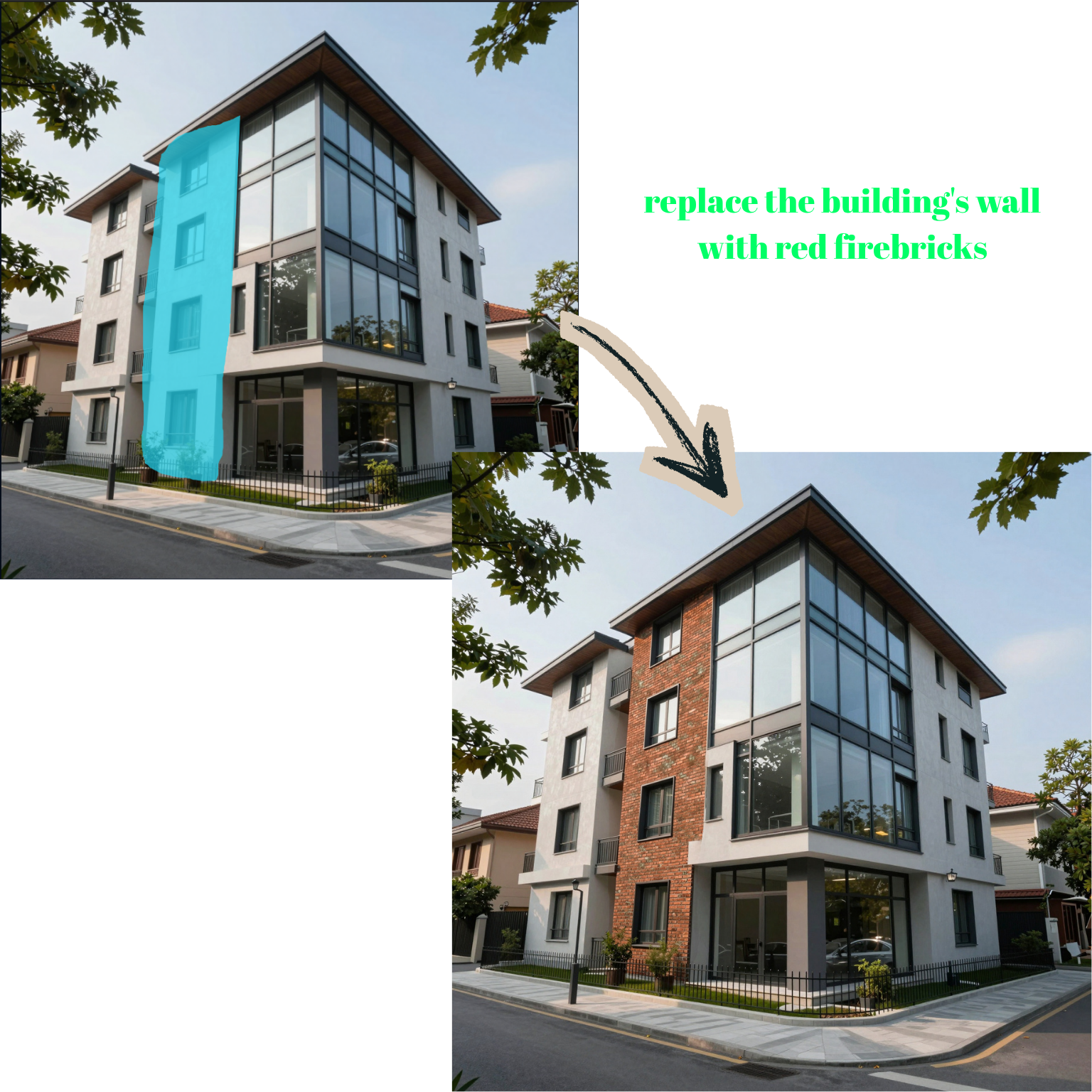
Prompts matter just as much when you edit an existing render. When you change one thing, always say what must stay the same:
"Change the facade cladding to vertical larch boards. Keep the building shape, windows, landscaping and camera angle unchanged."
Read more in our guides to masked and maskless editing and day to night renders.
Conclusion
A good AI architecture prompt is a short design brief: what it is, what it is made of, where it stands and how it is lit. Start from the examples above, change one element at a time, and you will learn quickly what moves the result.