LEARN · BASICS
What Is Architectural Rendering? Types, Process and AI
Published 6 min read
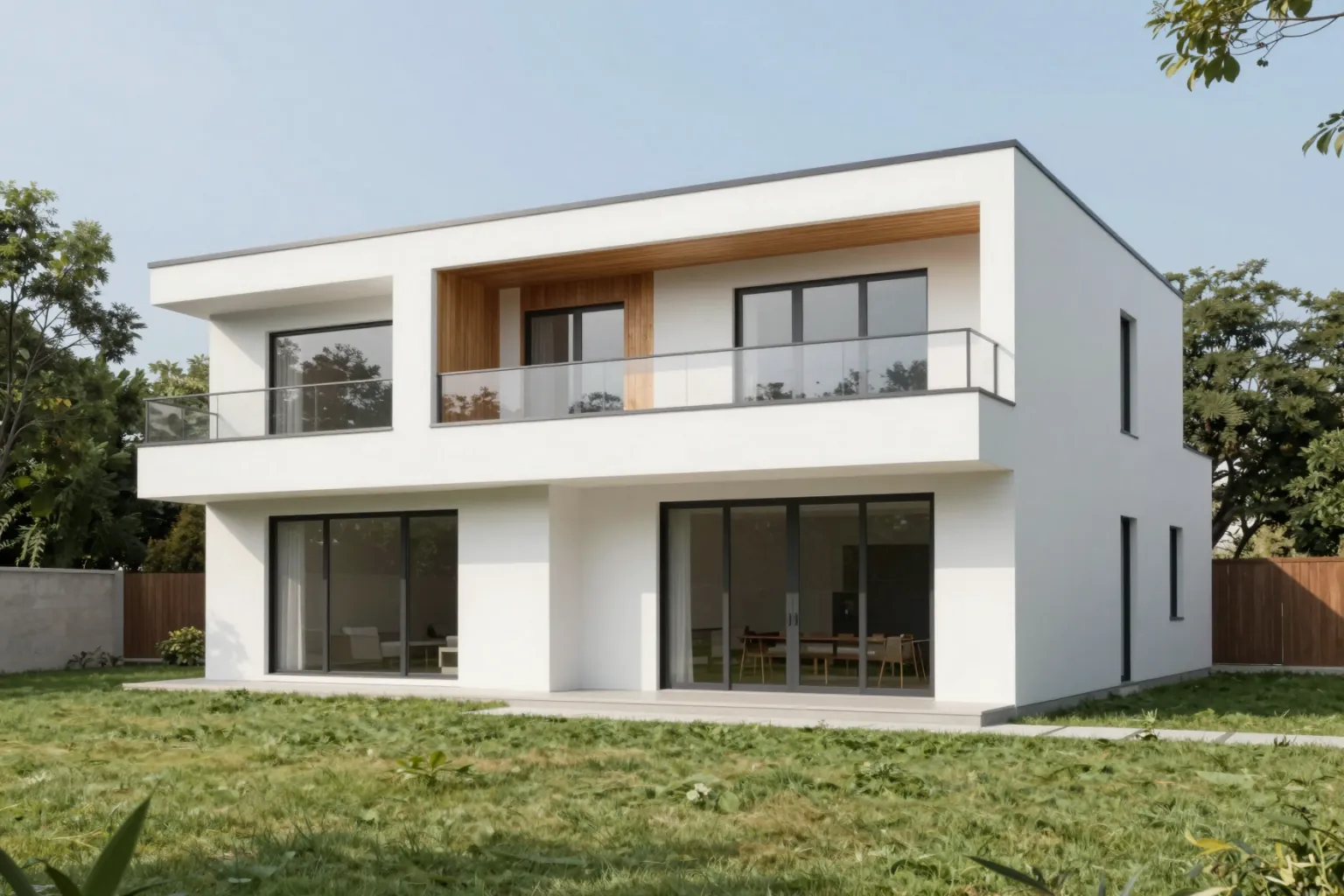
Architectural rendering is the process of creating images (or animations) that show what a building, interior or landscape will look like before it is built. A rendering turns drawings, models or ideas into a picture that clients, planning committees, buyers and the design team can understand at a glance.
What Is an Architectural Rendering Used For?
- Design development: testing massing, materials and light while the design can still change.
- Client presentations: helping non-specialists understand a proposal.
- Planning and competitions: communicating a scheme to committees and juries.
- Marketing and sales: selling or leasing a property before construction is finished.
Types of Architectural Rendering
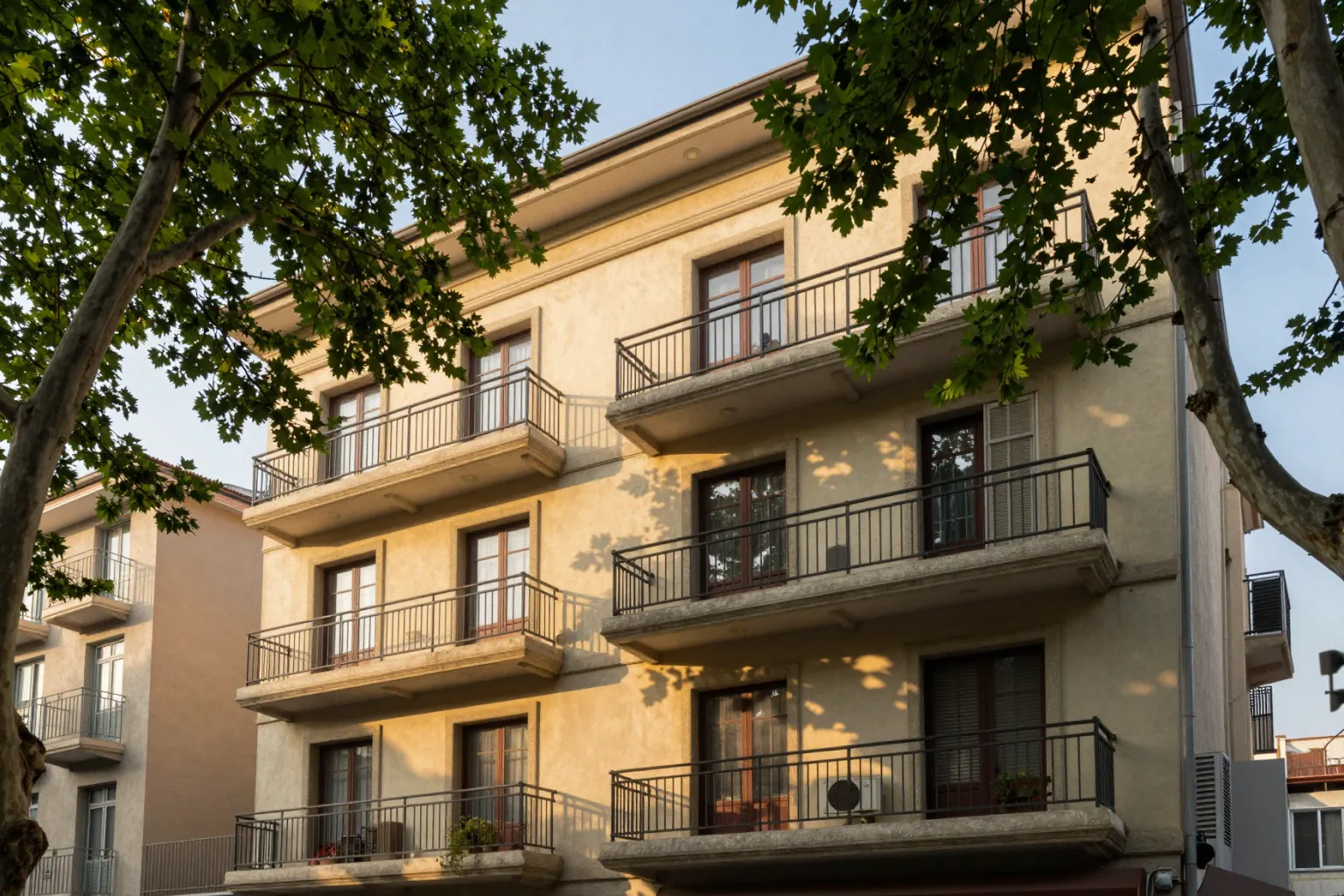
- Exterior rendering: the building in its setting — facade, materials, landscape and sky. See AI exterior design and rendering.
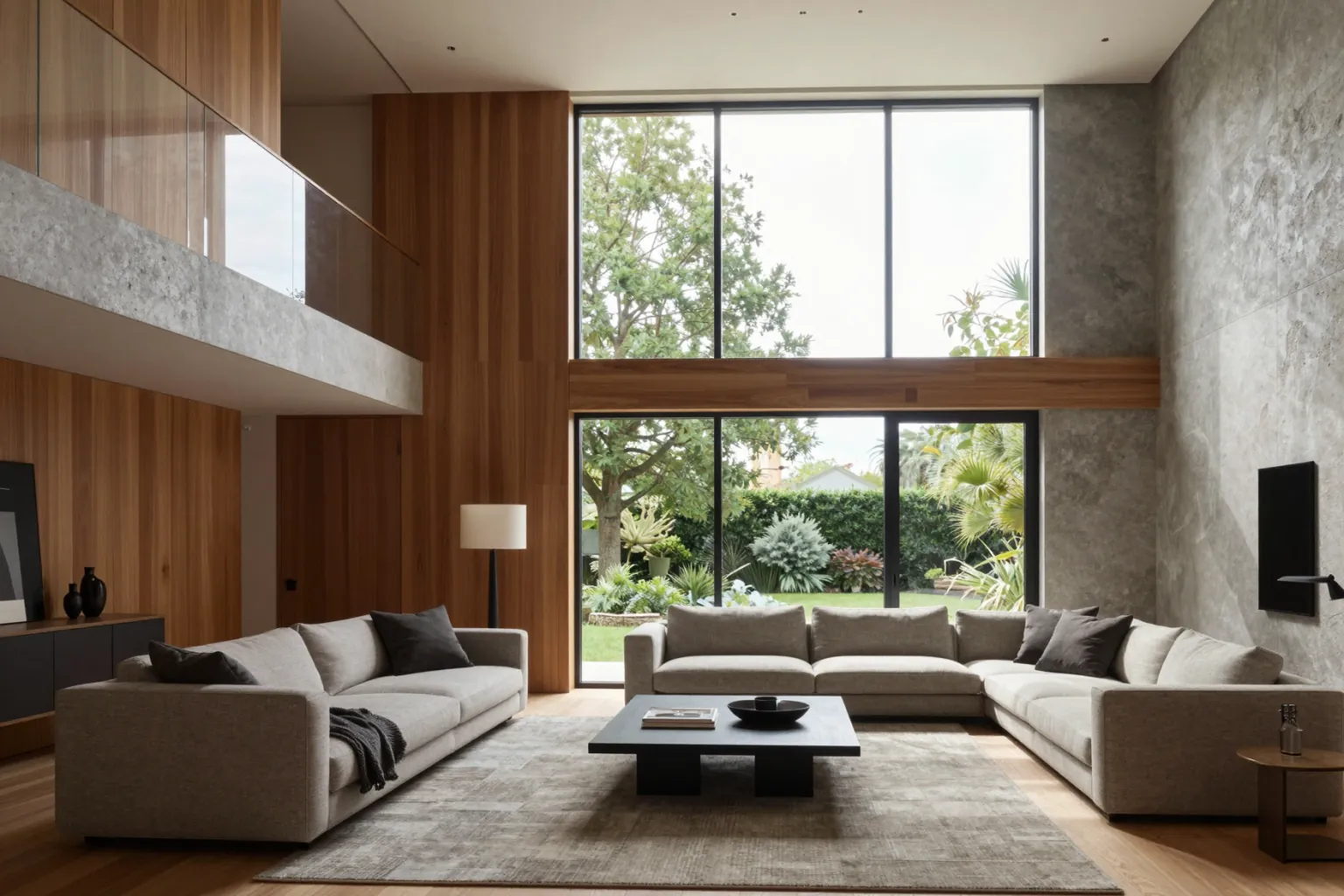
- Interior rendering: rooms with furniture, finishes and lighting. See AI interior design and rendering.
- Aerial rendering: a bird's-eye view of a building, campus or masterplan.
- 3D architectural rendering: images produced from a three-dimensional model, the most common professional workflow.
- Walkthroughs and animations: moving images that guide the viewer through a space. See AI architecture video.
- Non-photorealistic renderings: watercolor, line, collage or clay styles used for concept and competition work. See architectural rendering styles.
How Architectural Renderings Are Made
The traditional 3D workflow
- Build or import a 3D model of the design.
- Assign materials and textures to every surface.
- Set up lighting: sun, sky, artificial lights.
- Place cameras and compose the views.
- Render with an offline ray-traced or real-time render engine.
- Post-produce the image: color correction, people, vegetation, atmosphere.
This route gives exact, repeatable results but takes specialist skill, hardware and time.
The AI rendering workflow
AI rendering generates the image with a trained model. Instead of a fully textured scene, the input can be a sketch, a 3D model view, a photo of an existing building or a text description. Materials, light and context come from the prompt and the chosen style. AI is fastest at the concept and options stage; traditional rendering remains the choice for exact final images. Read the full comparison in AI rendering vs traditional rendering.
What Affects Rendering Time and Quality?
- Level of detail in the model or input.
- Materials and lighting — realistic light is what makes an image believable.
- Composition — camera height, lens and framing.
- Context — surroundings, vegetation, people and sky.
- Number of revisions — each change in a traditional pipeline means another render; with AI, a revision is often one new instruction.
Frequently Asked Questions
What is the difference between a rendering and a visualization?
A rendering is a single produced image or animation; architectural visualization (often called archviz) is the wider discipline of creating such images. See what is archviz.
Is a photorealistic rendering always best?
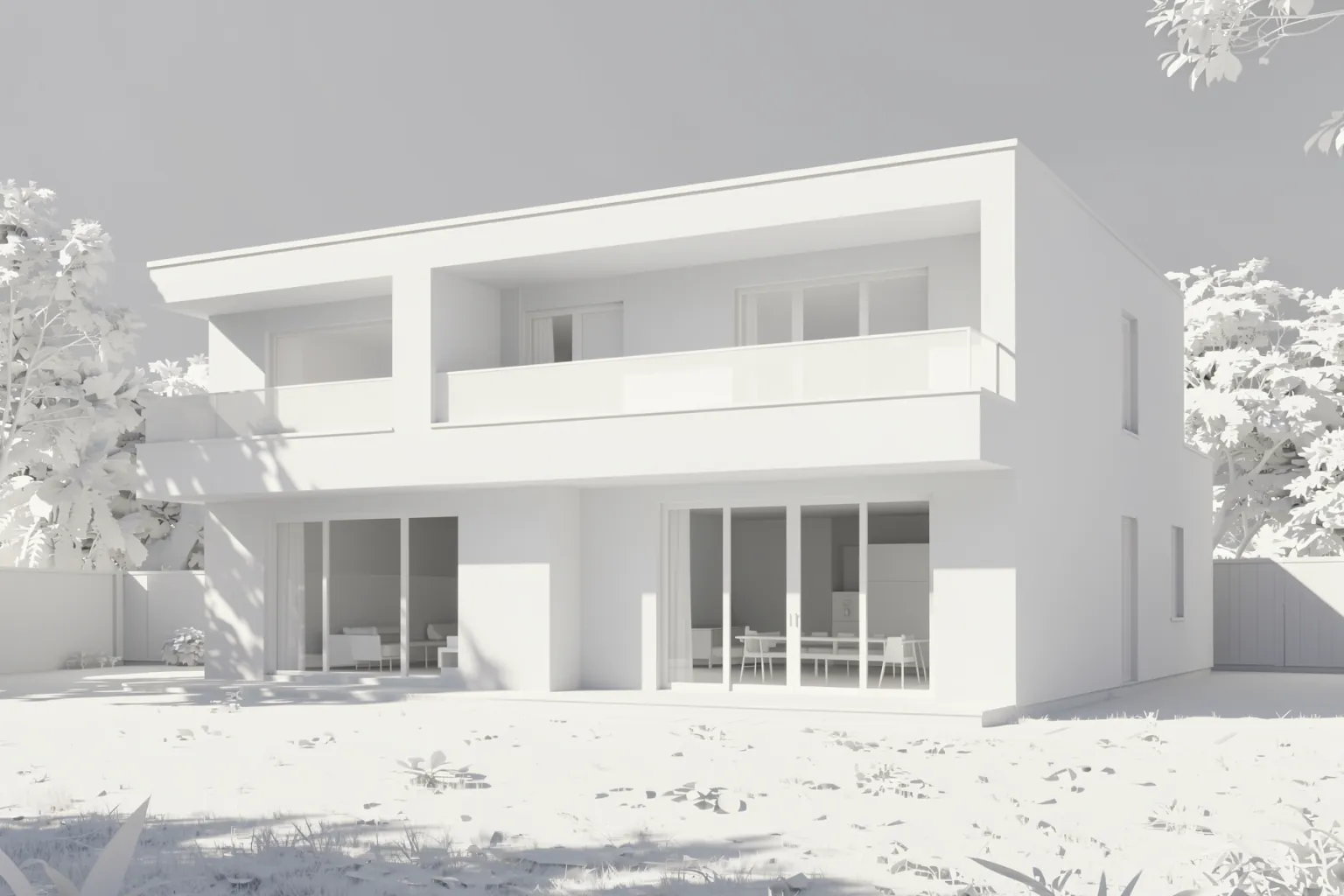
No. Early concepts often work better as clay, sketch or watercolor renderings, which signal that the design is still open.
Can AI create architectural renderings?
Yes. AI rendering tools such as QUVIAI generate photorealistic renderings from sketches, model views, photos or text, in seconds to minutes.