TEXT TO VIDEO
Text to video for architectural walkthroughs
Describe a space and the camera movement and get a cinematic walkthrough clip from the text alone, before any render exists.
5 free credits every day · No credit card required
OVERVIEW
Text to video for architecture: walkthroughs from a prompt
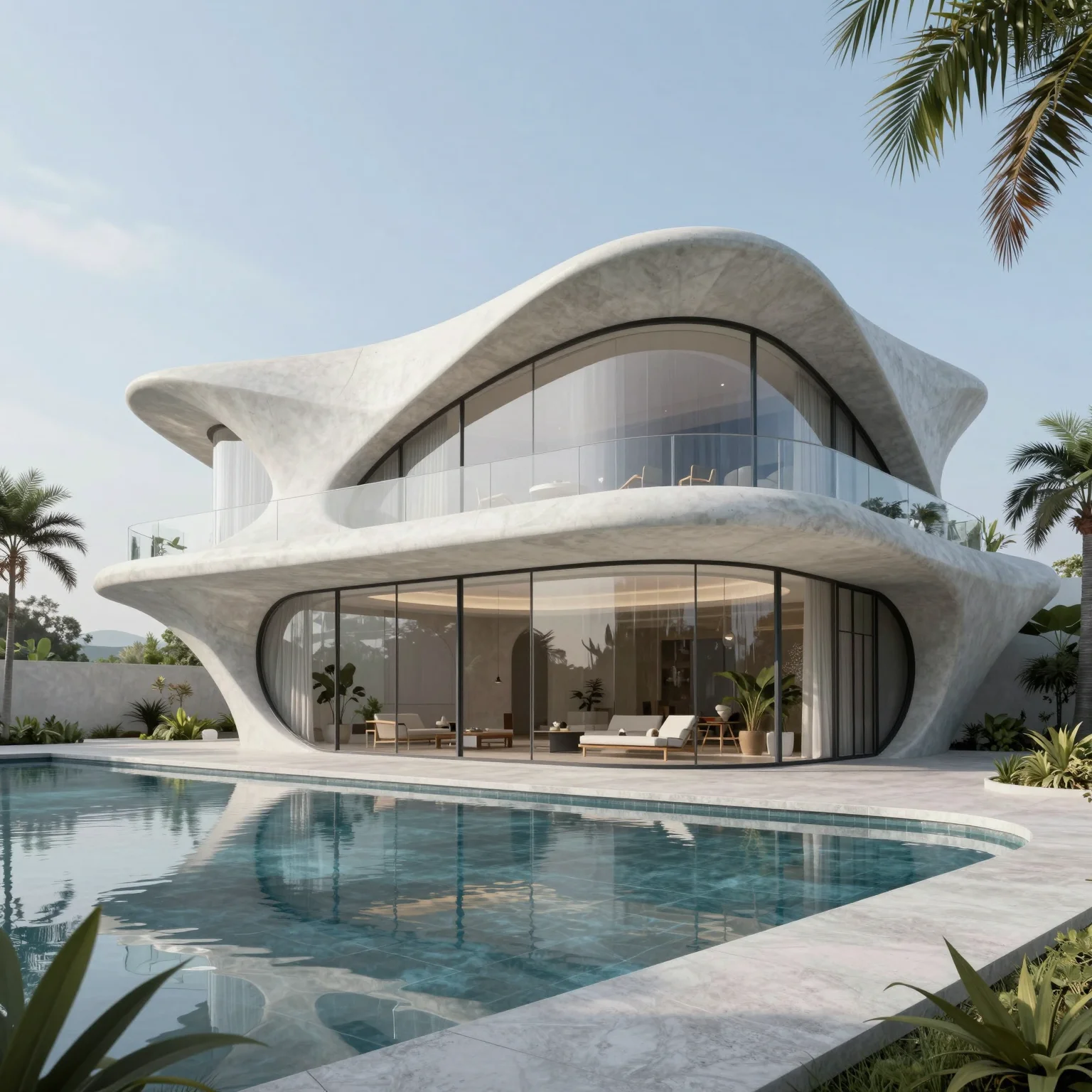
Text to video is the fastest way to test a video concept for a space that does not exist yet. You describe the scene and the motion in one prompt — the space, the camera movement, the lighting and the atmosphere — and QUVIAI generates a clip that matches it, with no starting image involved.
It is ideal for exploring how a lobby, a residence or a public space could feel in motion before any renders are produced, and for creating short cinematic content for pitches and social media.
HOW IT WORKS
How to write a text to video prompt for architecture
Describe the space
Name the building or room, its materials and the setting — for example a glass-and-concrete office lobby.
Describe the camera
Say how the camera moves: slowly pushing forward, panning across the facade, orbiting the courtyard.
Set light and atmosphere
Add time of day, weather and details such as reflections or interior lights glowing at dusk.
Generate and refine
Adjust a single element of the prompt at a time to steer the next version.
USE CASES
Good uses for text to video
Concept mood films
Communicate the atmosphere of a design idea before any visuals exist.
Pitch openers
Open a client presentation with a short cinematic clip of the concept.
Social media reels
Generate short clips for architecture and interior design channels.
Storyboarding
Test camera moves before investing in a full render or animation.
WHY QUVIAI
One browser workspace for architectural visualization, built for the concept stage.
Start from what you have
A sketch, a photo, a 3D model view or a sentence. There is nothing to model, texture or light first.
Results in about a minute
Renders, edits and 3D objects come back in seconds to a few minutes, so you can compare several options in one sitting.
5 free credits every day
Every QUVIAI account gets 5 free credits every day. No credit card required. Try every tool before choosing a plan.
MORE TOOLS
More QUVIAI tools
One account and one credit balance for every tool, from the first sketch to the walkthrough video.
Text to render
Generate an architectural render from a written description alone.
AI render editor
Change one material, the light or a detail without re-rendering.
AI architecture video
Walkthrough videos from a prompt, a render or a first and last frame.
Render to video
Animate a still render or photo with camera motion and atmosphere.
2D canvas
Sketches, mood boards and concept diagrams in one workspace.
AI 3D scene editor
Build a scene in the browser, on real terrain, and render it with AI.
AI 3D model generator
Ready-to-use 3D objects from a single photo or a sentence.
Sketch to render
Turn a hand sketch or line drawing into a photorealistic render.
FAQ
Frequently asked questions
What should a text to video prompt include?
When should I use image to video instead?
Is QUVIAI free to use?
Do I need 3D modelling or rendering experience?
Who is QUVIAI for?
Does my subscription renew automatically?
GET STARTED
Try it on your own project
5 free credits every day · No credit card required. Try this and every other tool, upgrade only when you need more.