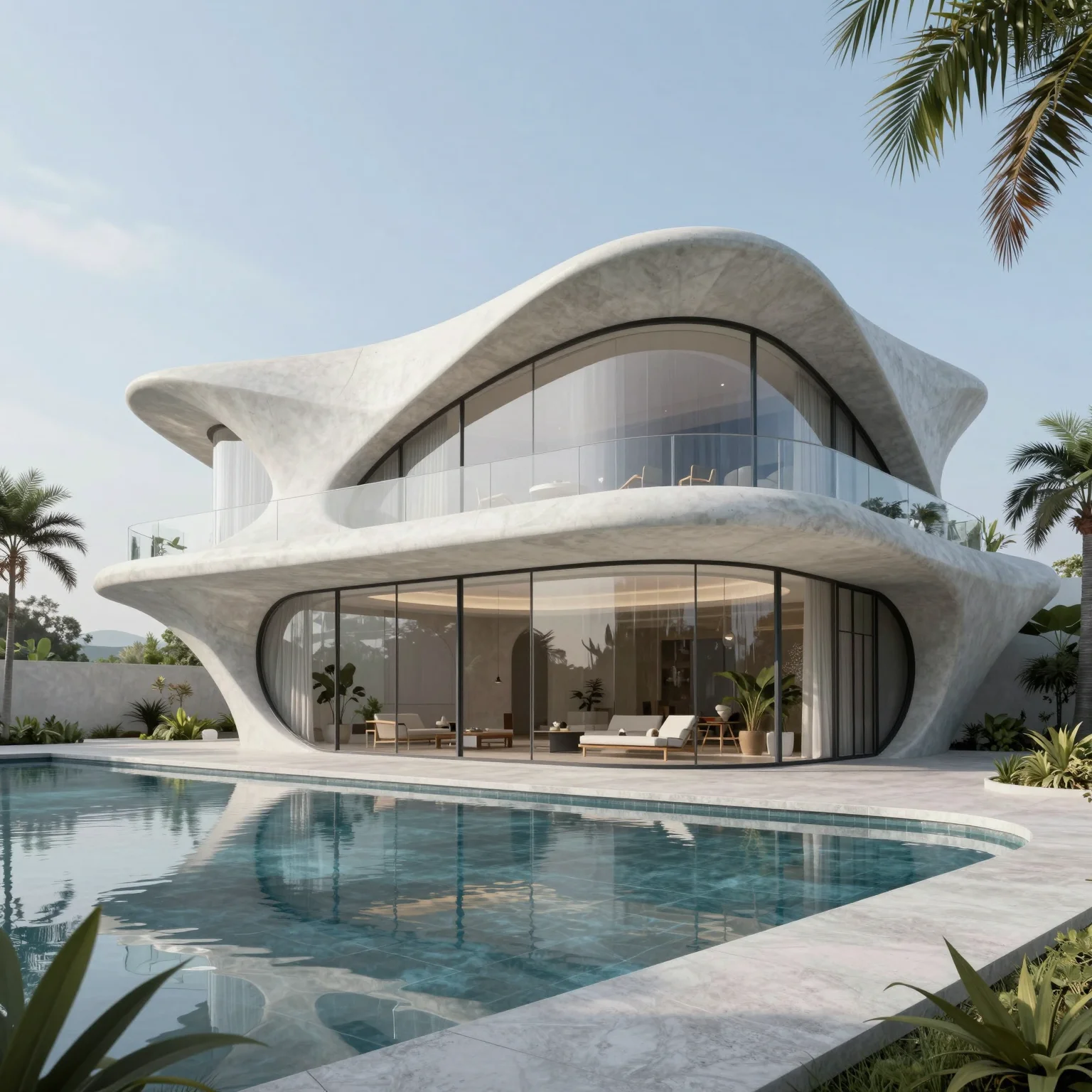
AI ARCHITECTURE VIDEO
AI architecture video and walkthrough generator
Generate architectural walkthrough videos from a text prompt, a still render or a first and last frame — no keyframes, camera rigs or render farm.
5 free credits every day · No credit card required
OVERVIEW
AI architecture video generator for walkthroughs and presentations
Motion often tells the story of a space better than a still: a camera gliding past a facade, light shifting across a room, a building moving from day into night. QUVIAI generates architectural videos without keyframes, camera rigs or a render farm.
Three methods cover every starting point. Text to video creates footage from a description alone. Image to video animates a render or photo you already have. First-last frame generates a controlled transition between two images, such as day and night or two camera positions.
HOW IT WORKS
How to create an architectural walkthrough video with AI
Pick the method
No image yet: text to video. One image: image to video. A start and an end image: first-last frame.
Provide your input
Write the scene, or upload the render, photo or pair of frames you want to animate.
Describe the motion
Say how the camera moves and what changes — a slow push-in, an orbit, lights coming on at dusk.
Generate and present
Use the clip in client pitches, design reviews, listings or social media.
USE CASES
Where architectural AI video works best
Client presentations
Add a moving dimension to concept decks beyond static renders.
Real estate marketing
Turn listing or development visuals into short promotional videos.
Day to night transitions
Show a building or interior moving through the times of day.
Social media content
Create short clips of a project for social channels.
WHY QUVIAI
One browser workspace for architectural visualization, built for the concept stage.
Start from what you have
A sketch, a photo, a 3D model view or a sentence. There is nothing to model, texture or light first.
Results in about a minute
Renders, edits and 3D objects come back in seconds to a few minutes, so you can compare several options in one sitting.
5 free credits every day
Every QUVIAI account gets 5 free credits every day. No credit card required. Try every tool before choosing a plan.
MORE TOOLS
More QUVIAI tools
One account and one credit balance for every tool, from the first sketch to the walkthrough video.
Text to render
Generate an architectural render from a written description alone.
AI render editor
Change one material, the light or a detail without re-rendering.
Render to video
Animate a still render or photo with camera motion and atmosphere.
2D canvas
Sketches, mood boards and concept diagrams in one workspace.
AI 3D scene editor
Build a scene in the browser, on real terrain, and render it with AI.
AI 3D model generator
Ready-to-use 3D objects from a single photo or a sentence.
Sketch to render
Turn a hand sketch or line drawing into a photorealistic render.
FAQ
Frequently asked questions
Can AI create an architectural walkthrough video?
Which video method should I use?
Do I need animation or 3D software?
Is QUVIAI free to use?
Do I need 3D modelling or rendering experience?
Who is QUVIAI for?
Does my subscription renew automatically?
GET STARTED
Try it on your own project
5 free credits every day · No credit card required. Try this and every other tool, upgrade only when you need more.