AI RENDER EDITOR
AI render editor with inpainting for architects
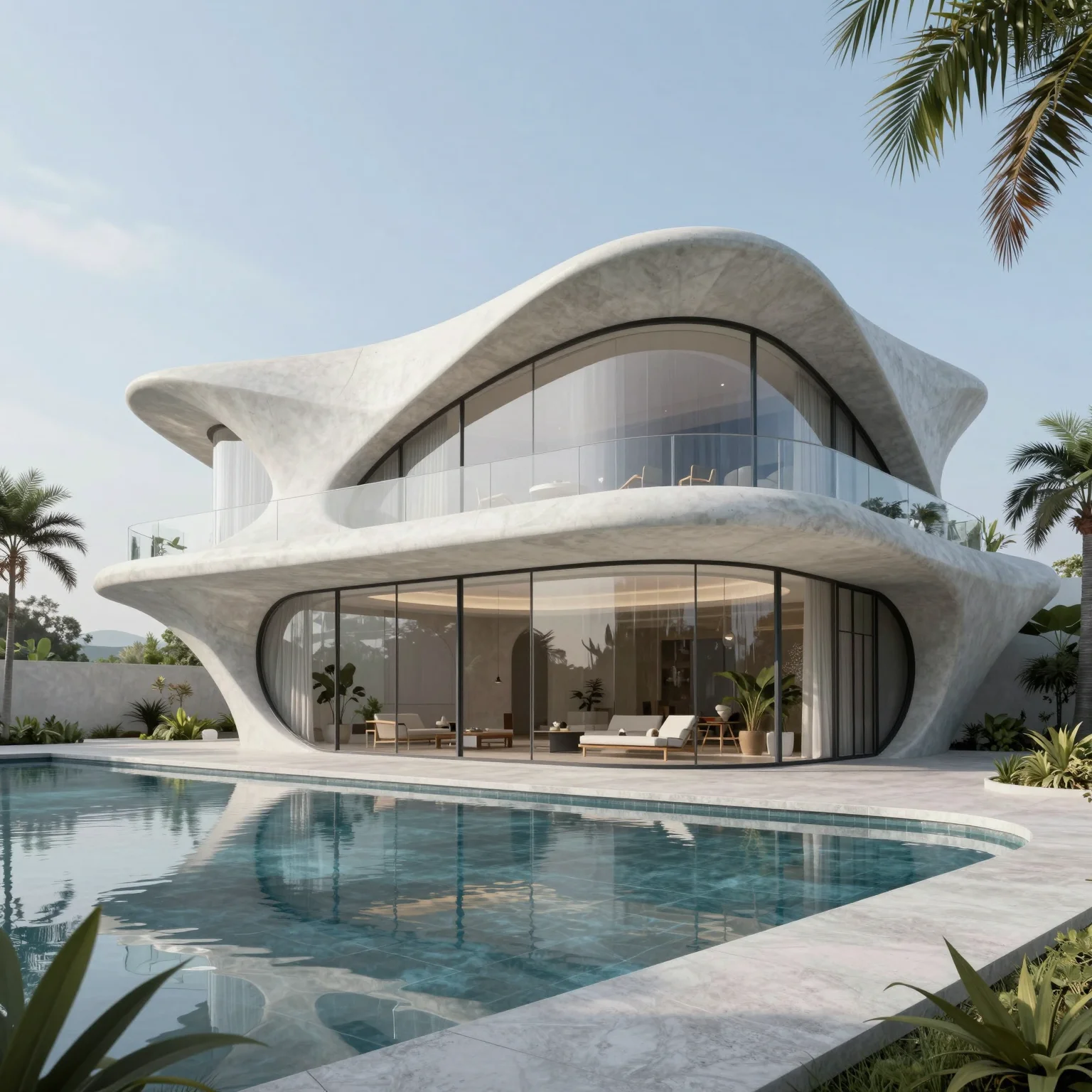
Change a material, the lighting or one detail with a mask or a plain-text instruction. The rest of the render stays as it is.
5 free credits every day · No credit card required
OVERVIEW
Edit architectural renders with AI instead of re-rendering
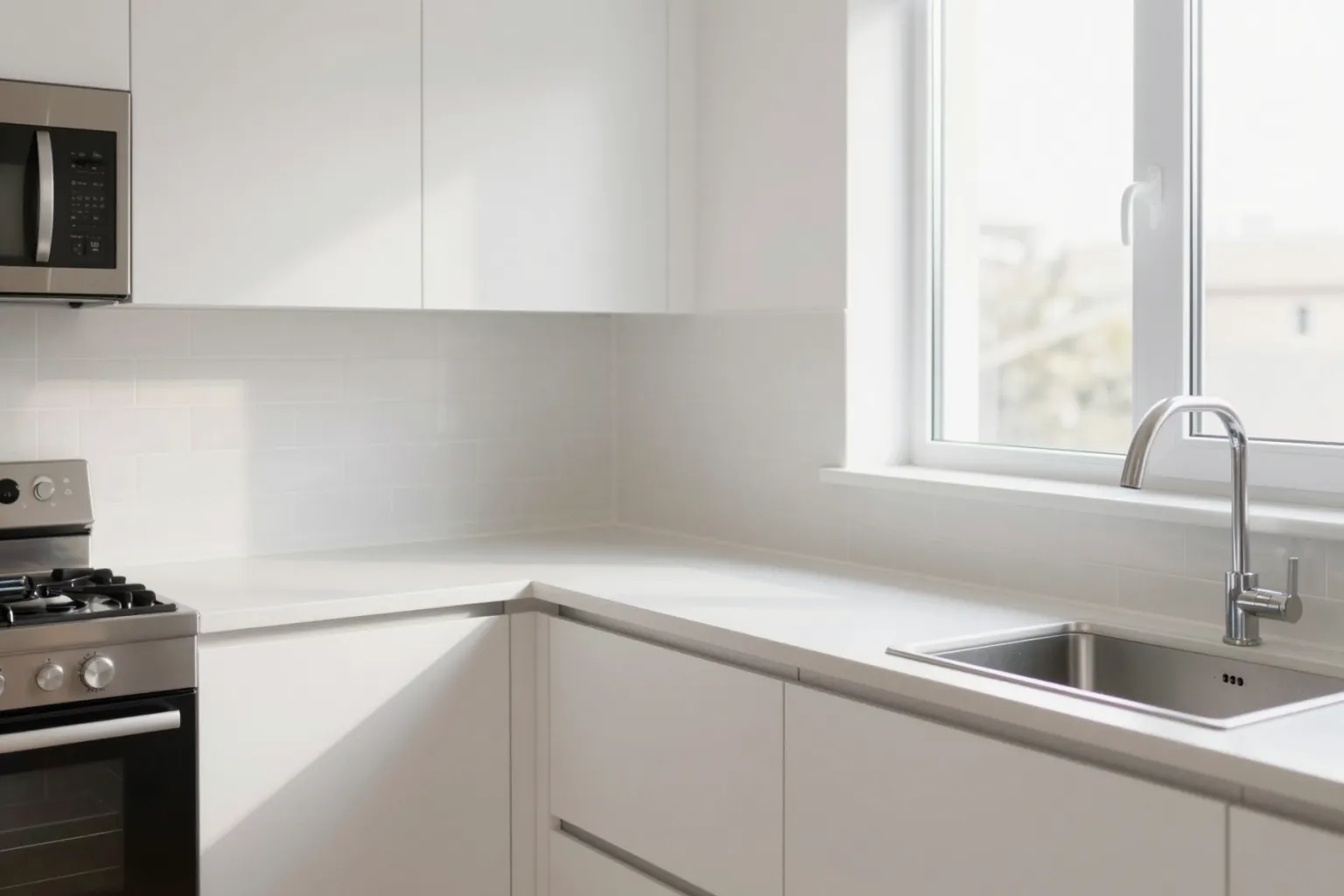
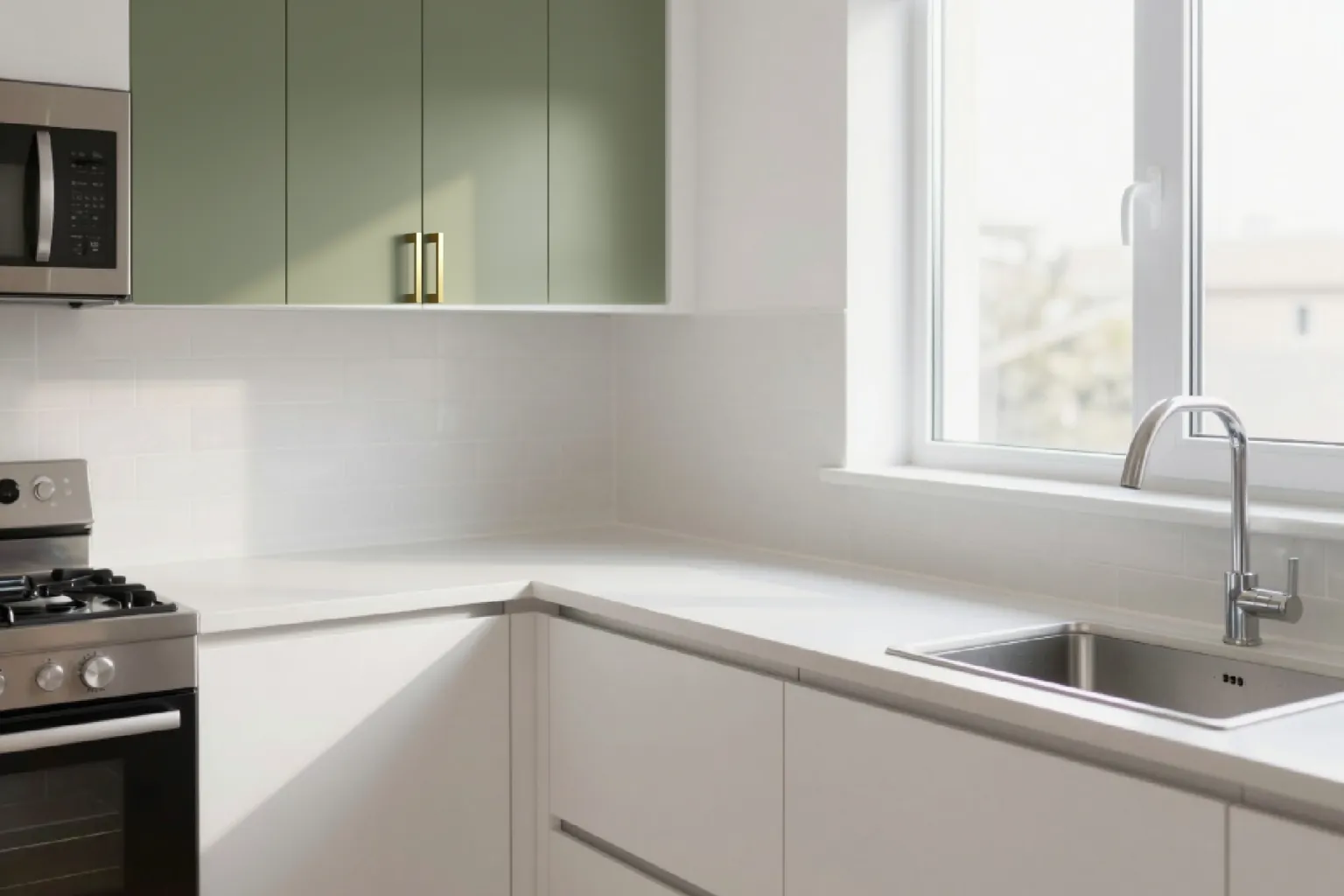
A client asks for oak instead of walnut, a different facade colour or one more window — and a traditional pipeline means another render. The QUVIAI AI render editor changes only what you ask for and keeps the rest of the image as it is.
Use masked editing (inpainting) to change an exact area you select with a rectangle or freehand lasso, or maskless editing to apply a plain-language instruction to the whole image — ideal for lighting, season and mood changes. Multi-reference editing lets you bring a fabric, rug or wall texture from other photos into the same scene.
HOW IT WORKS
How to edit a render with AI
Upload the render or photo
Start from a QUVIAI result or any existing render or photograph.
Choose masked or maskless
Mask the area for a local change, or skip the mask when the whole image should change, such as day to night.
Describe the change
Write the edit in plain language and say what must stay the same, such as the building and the camera angle.
Generate and repeat
Apply one change at a time from the original for the most controlled, consistent variations.
USE CASES
Common render edits
Materials and colours
Swap flooring, cladding, upholstery or wall finishes in a single region.
Lighting and seasons
Create night, golden hour, winter or rainy versions of an approved daytime render.
Virtual staging
Furnish an empty room photo for real estate listings and design proposals.
Combine references
Bring elements from several reference images into one interior with multi-reference editing.
WHY QUVIAI
One browser workspace for architectural visualization, built for the concept stage.
Start from what you have
A sketch, a photo, a 3D model view or a sentence. There is nothing to model, texture or light first.
Results in about a minute
Renders, edits and 3D objects come back in seconds to a few minutes, so you can compare several options in one sitting.
5 free credits every day
Every QUVIAI account gets 5 free credits every day. No credit card required. Try every tool before choosing a plan.
MORE TOOLS
More QUVIAI tools
One account and one credit balance for every tool, from the first sketch to the walkthrough video.
Text to render
Generate an architectural render from a written description alone.
AI architecture video
Walkthrough videos from a prompt, a render or a first and last frame.
Render to video
Animate a still render or photo with camera motion and atmosphere.
2D canvas
Sketches, mood boards and concept diagrams in one workspace.
AI 3D scene editor
Build a scene in the browser, on real terrain, and render it with AI.
AI 3D model generator
Ready-to-use 3D objects from a single photo or a sentence.
Sketch to render
Turn a hand sketch or line drawing into a photorealistic render.
FAQ
Frequently asked questions
What is the difference between masked and maskless AI editing?
Can I change one material without changing the rest of the render?
Can I use AI to virtually stage an empty room?
Is QUVIAI free to use?
Do I need 3D modelling or rendering experience?
Who is QUVIAI for?
Does my subscription renew automatically?
GET STARTED
Try it on your own project
5 free credits every day · No credit card required. Try this and every other tool, upgrade only when you need more.