TEXT TO RENDER
Text to image for architecture: AI architecture generator
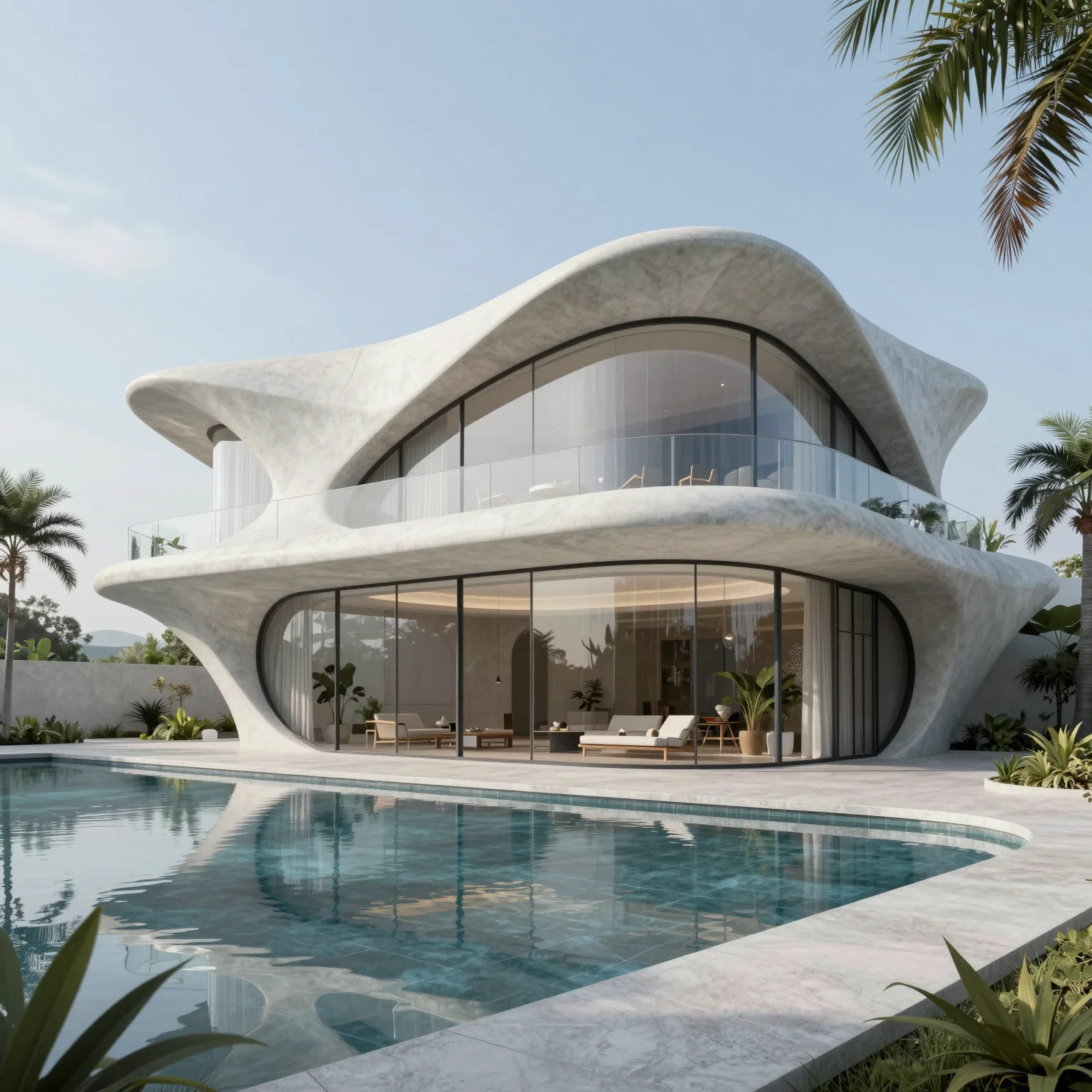
Describe a building, facade or interior in plain language and get an architectural render from the text alone — no model or sketch needed.
5 free credits every day · No credit card required
OVERVIEW
Text to image for architecture: renders without a model or sketch
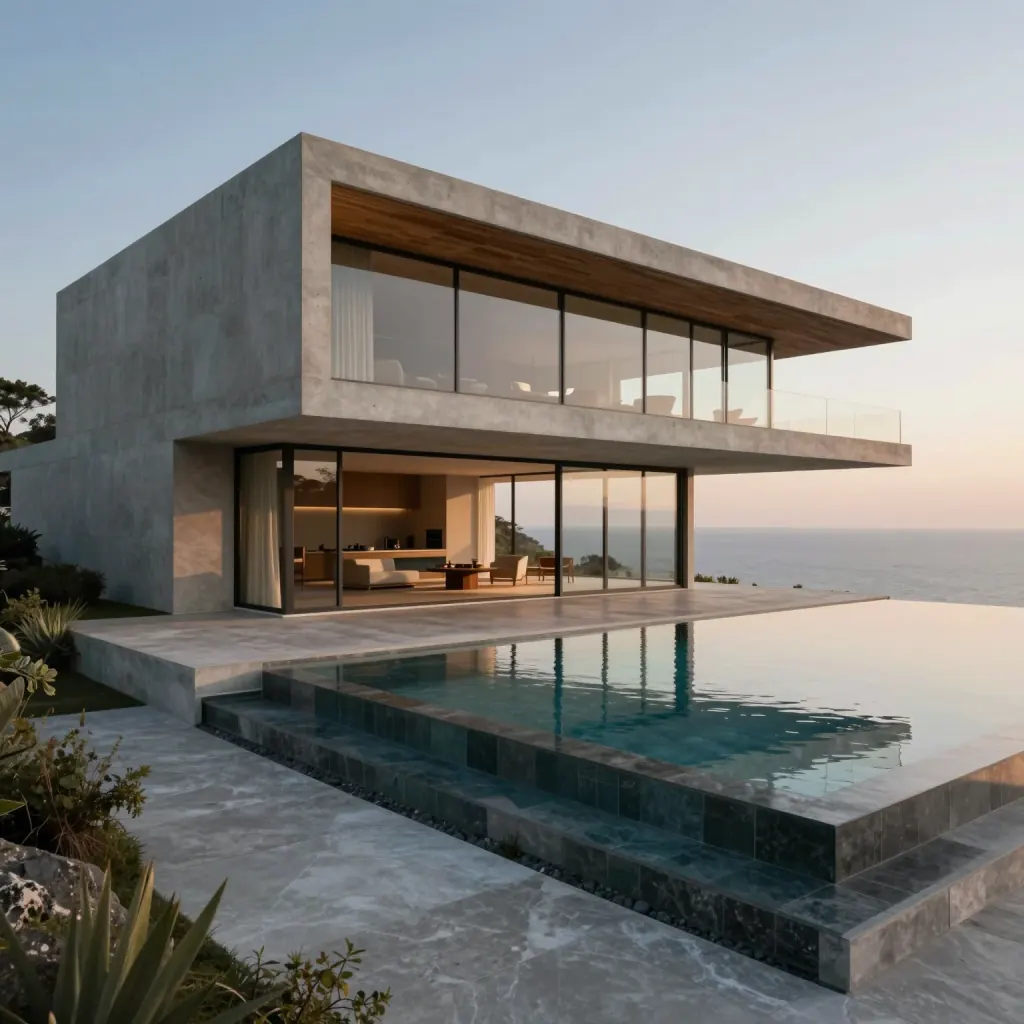
At the earliest stage of a project there is often nothing to render yet — only an idea such as “a wood-clad villa by the sea”. With QUVIAI text to image you describe that idea in a sentence and get an architectural visualization back, so you can share a concept before a single line is drawn.
The style is chosen from a separate panel (Modern, Neoclassical, Bauhaus, Art Nouveau and many more, in Architecture and Illustrator categories), so your prompt only needs to describe the building, setting, materials and light.
HOW IT WORKS
How text to image works for architecture
Describe the scene
Name the building type, the setting, key materials and the lighting — for example golden hour, overcast or night.
Pick an aspect ratio
Choose 1:1, 3:4, 4:3, 16:9 or 9:16 depending on whether the image is for a board, a slide or social media.
Choose an architectural style
Select a style from the Architecture or Illustrator category instead of naming it in the prompt.
Generate and iterate
Generate the render, then adjust the prompt to explore alternatives or move on to editing and video.
USE CASES
When to start from text
Early concept visuals
Show a client the direction of a project before a sketch or model exists.
Style exploration
Compare the same brief in several architectural styles side by side.
Matching exterior and interior
Reuse the setting and style to generate a consistent interior for the same building.
Student and portfolio work
Visualize assignment ideas quickly when deadlines are tight.
WHY QUVIAI
One browser workspace for architectural visualization, built for the concept stage.
Start from what you have
A sketch, a photo, a 3D model view or a sentence. There is nothing to model, texture or light first.
Results in about a minute
Renders, edits and 3D objects come back in seconds to a few minutes, so you can compare several options in one sitting.
5 free credits every day
Every QUVIAI account gets 5 free credits every day. No credit card required. Try every tool before choosing a plan.
MORE TOOLS
More QUVIAI tools
One account and one credit balance for every tool, from the first sketch to the walkthrough video.
AI render editor
Change one material, the light or a detail without re-rendering.
AI architecture video
Walkthrough videos from a prompt, a render or a first and last frame.
Render to video
Animate a still render or photo with camera motion and atmosphere.
2D canvas
Sketches, mood boards and concept diagrams in one workspace.
AI 3D scene editor
Build a scene in the browser, on real terrain, and render it with AI.
AI 3D model generator
Ready-to-use 3D objects from a single photo or a sentence.
Sketch to render
Turn a hand sketch or line drawing into a photorealistic render.
FAQ
Frequently asked questions
What makes a good AI architecture prompt?
Can I generate interiors as well as exteriors?
Which aspect ratios are available?
Is QUVIAI free to use?
Do I need 3D modelling or rendering experience?
Who is QUVIAI for?
Does my subscription renew automatically?
GET STARTED
Try it on your own project
5 free credits every day · No credit card required. Try this and every other tool, upgrade only when you need more.