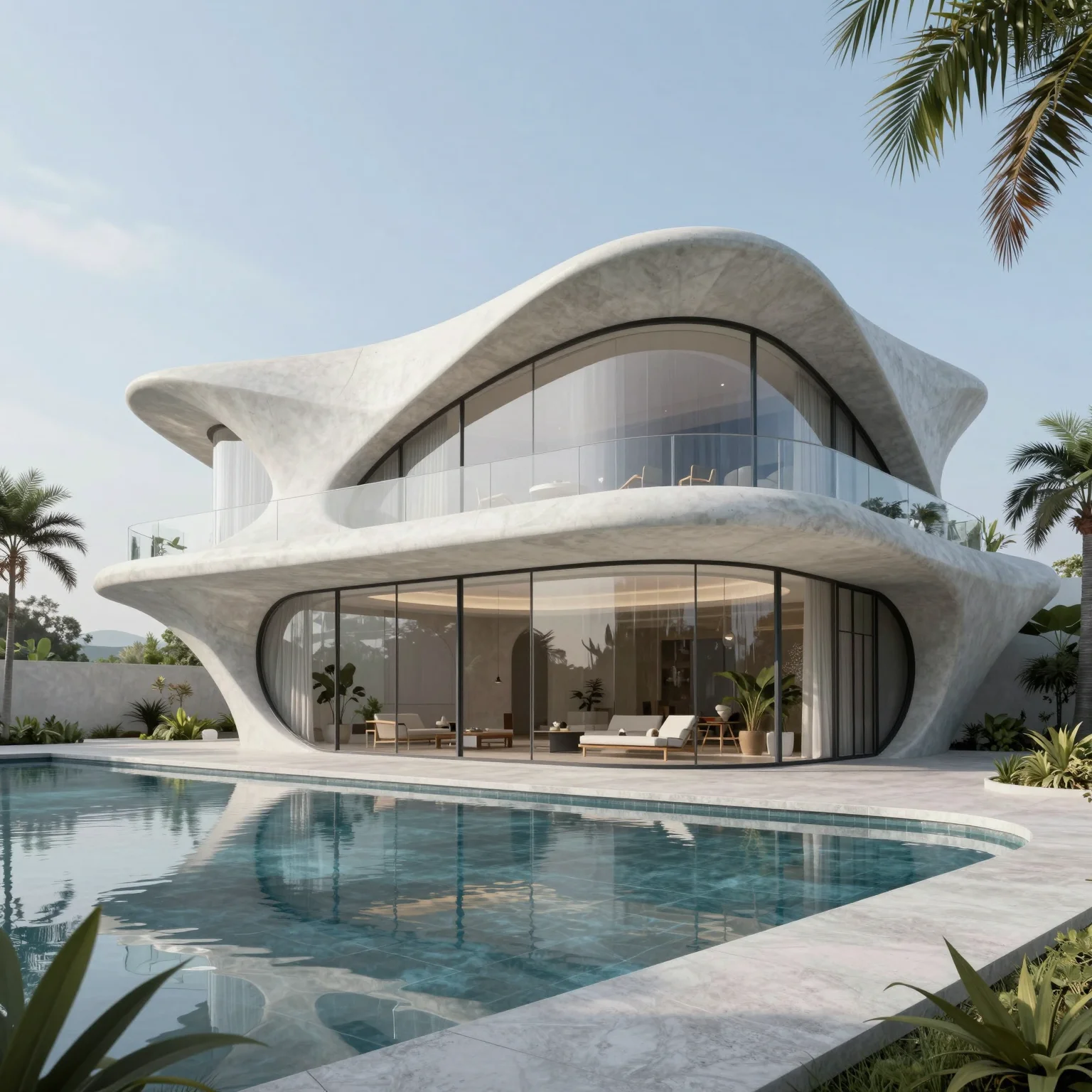
AI 3D SCENE EDITOR
AI render from your 3D model, in the browser
Import your model or block out a scene on real terrain, set style, weather and time of day, and render it with AI.
5 free credits every day · No credit card required
OVERVIEW
Build a 3D scene in your browser and render it with AI
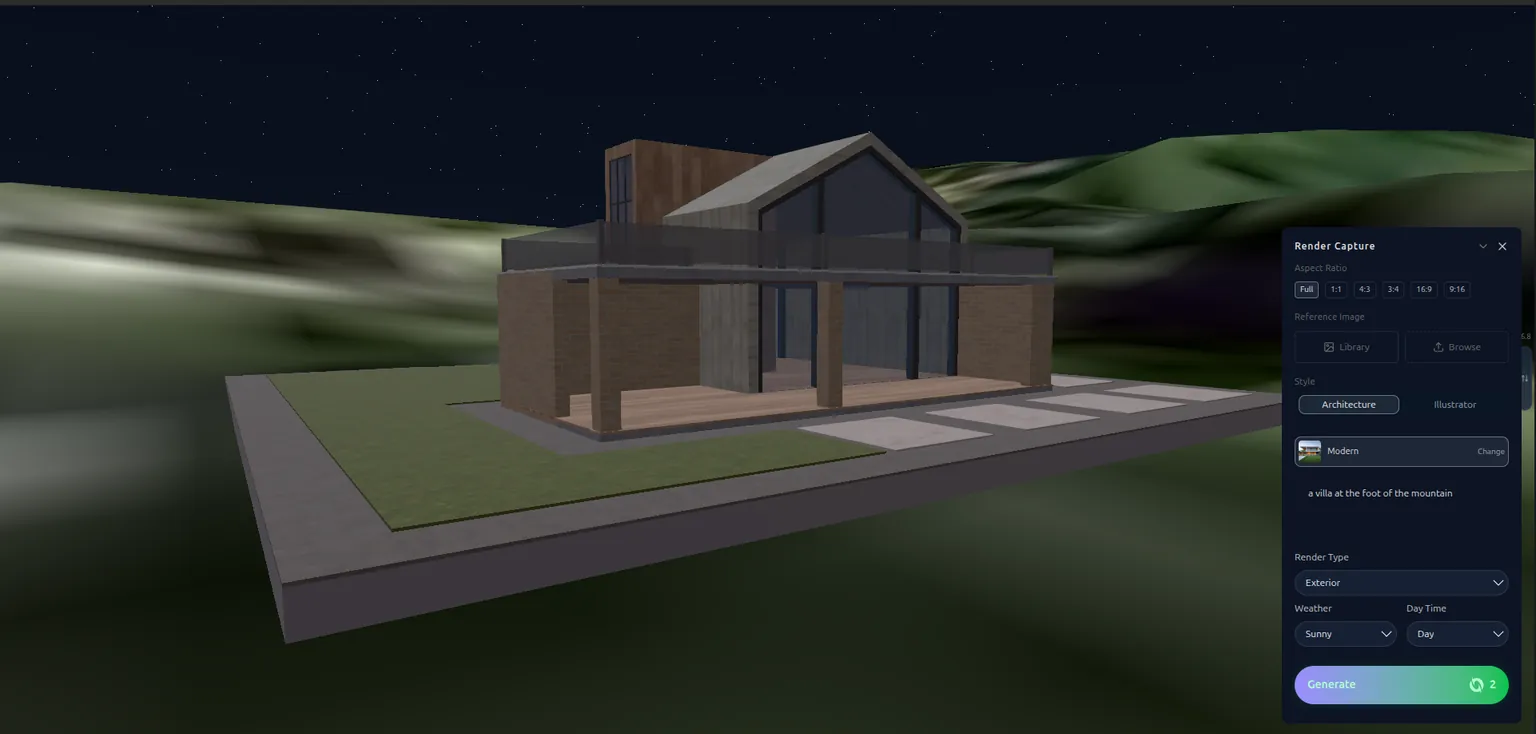
The QUVIAI 3D scene editor brings modelling, real terrain and rendering into a single browser tab. Import your own 3D model, use objects you have generated in QUVIAI, or block out the scene with built-in walls, floors, doors, windows and roofs.
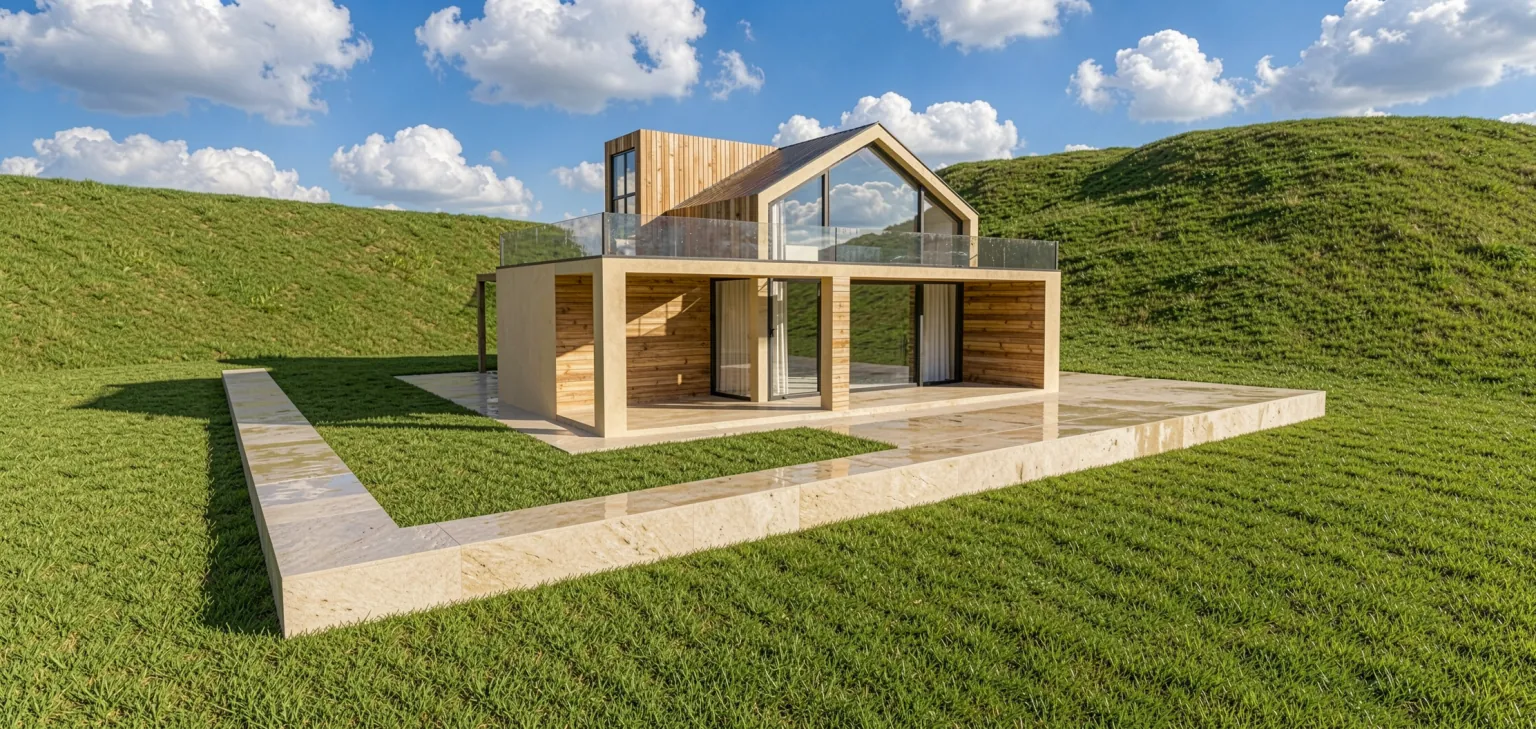
Search a real address on the map to bring in the actual terrain of the site, then choose a style, exterior or interior render type, weather and time of day. Your spatial layout becomes a photorealistic AI render — no separate rendering software or GPU required.
HOW IT WORKS
From 3D model to AI render, step by step
Optionally import real terrain
Search a location, select the area on the map and import its terrain model, or work on flat ground.
Build the scene
Import a model exported from your modelling software, place generated 3D objects or use the built-in elements.
Set the environment
Pick the style, render type, weather and time of day, and add a short description if you like.
Generate the render
Turn the composed scene into a photorealistic image from the angle you set.
USE CASES
Who uses the 3D scene editor
Site-specific presentations
Show how a project sits on its real terrain.
Lighting and weather studies
Render the same scene sunny, overcast, at dusk or at night.
Massing to render
Block out volumes quickly and get a realistic image from them.
Students
Model and render in one tool, without installing extra software.
WHY QUVIAI
One browser workspace for architectural visualization, built for the concept stage.
Start from what you have
A sketch, a photo, a 3D model view or a sentence. There is nothing to model, texture or light first.
Results in about a minute
Renders, edits and 3D objects come back in seconds to a few minutes, so you can compare several options in one sitting.
5 free credits every day
Every QUVIAI account gets 5 free credits every day. No credit card required. Try every tool before choosing a plan.
MORE TOOLS
More QUVIAI tools
One account and one credit balance for every tool, from the first sketch to the walkthrough video.
Text to render
Generate an architectural render from a written description alone.
AI render editor
Change one material, the light or a detail without re-rendering.
AI architecture video
Walkthrough videos from a prompt, a render or a first and last frame.
Render to video
Animate a still render or photo with camera motion and atmosphere.
2D canvas
Sketches, mood boards and concept diagrams in one workspace.
AI 3D model generator
Ready-to-use 3D objects from a single photo or a sentence.
Sketch to render
Turn a hand sketch or line drawing into a photorealistic render.
FAQ
Frequently asked questions
Can I get an AI render from my own 3D model?
Can I use real terrain for my site?
Do I need a powerful computer or rendering software?
Is QUVIAI free to use?
Do I need 3D modelling or rendering experience?
Who is QUVIAI for?
Does my subscription renew automatically?
GET STARTED
Try it on your own project
5 free credits every day · No credit card required. Try this and every other tool, upgrade only when you need more.