AI virtual staging

AI Virtual Staging: Furnish Empty Room Photos in Minutes

Upload a photo of an empty room, describe the style, and get a furnished, listing-ready image — walls, windows, floor and camera angle unchanged.

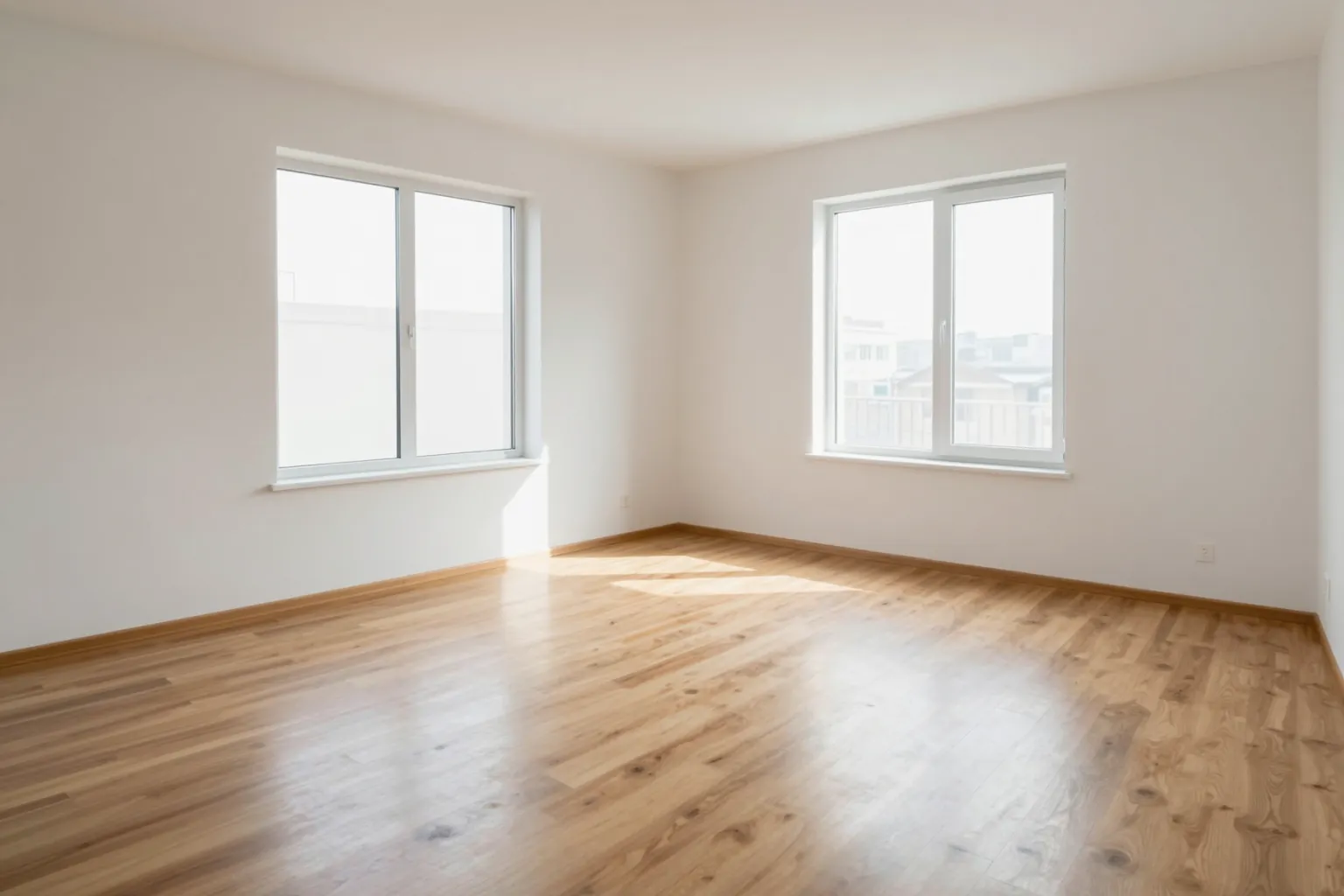
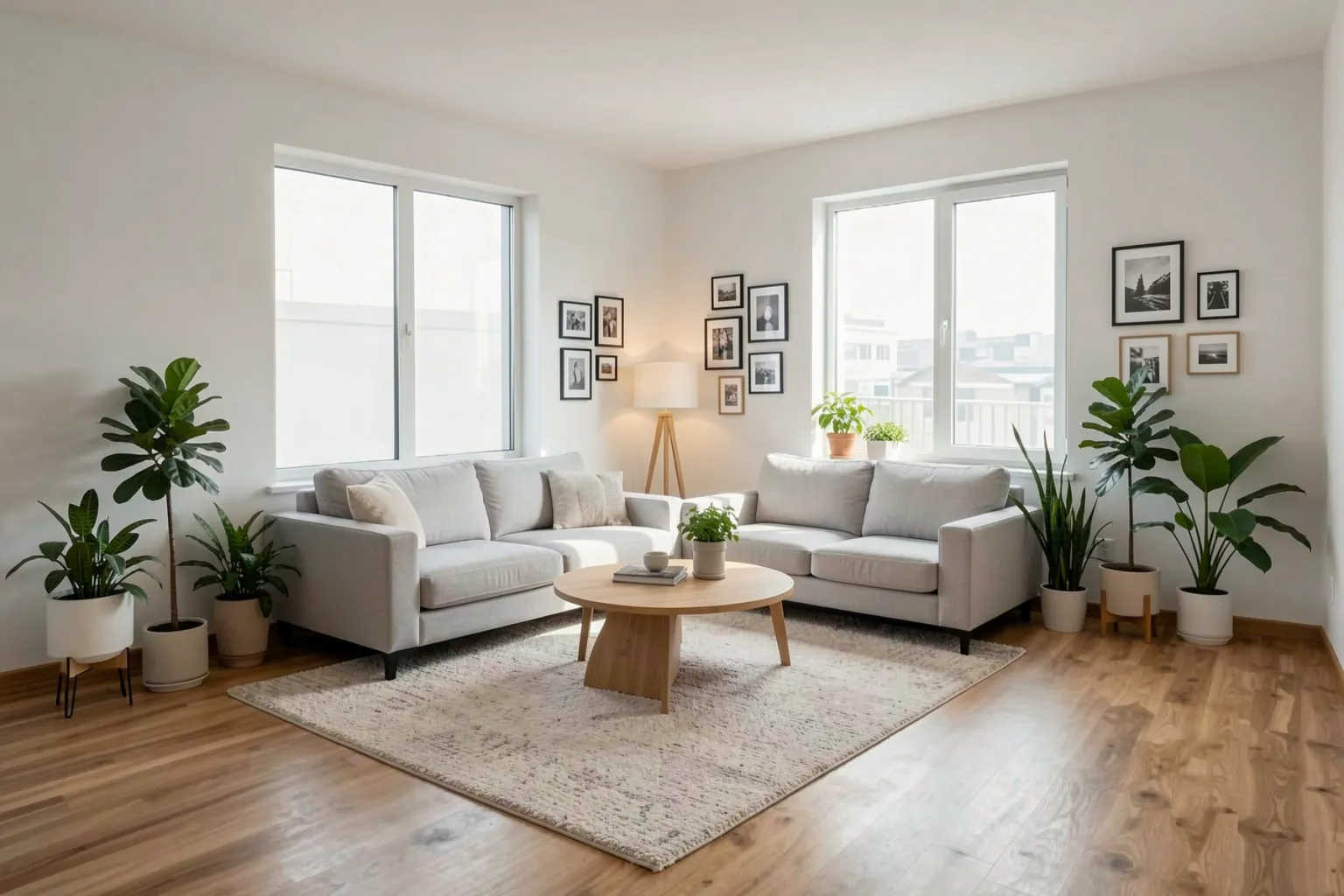
Empty apartment living room with wooden floor and two windows before virtual stagingThe same living room virtually staged with AI: modern sofa, rug, coffee table, plants and wall art
Before: the empty living room. After: the same room virtually staged with AI in QUVIAI.

OVERVIEW

What is AI virtual staging?

Virtual staging adds furniture and decor to a photo of an empty room, so buyers and tenants can picture living there. Physical staging means renting furniture and moving it in; traditional virtual staging means waiting for a 3D artist. AI virtual staging does it from one photo and a sentence.

In QUVIAI you upload the empty room, describe the style and the pieces you want, and ask for the architecture to stay unchanged. Because the result is generated from your own photo, the room, light and viewpoint stay the same — only the furnishing is new. You can stage the same room in several styles for different buyer profiles.

HOW IT WORKS

How to virtually stage a room with AI

  1. Upload the empty room photo

    Use a straight, well-lit photo. Wide-angle listing photos work well.

  2. Describe the style

    Name the style and key pieces: "Scandinavian, light grey sofa, oak coffee table, wool rug, plants".

  3. Keep the architecture

    Add "keep walls, windows, floor and camera angle unchanged" so only the furniture is added.

  4. Generate other styles

    Go back to the original empty photo for each new style to keep every version consistent.

EXAMPLES

Virtual staging examples

Empty apartment living room with wooden floor and two windows before virtual stagingThe same living room virtually staged with AI: modern sofa, rug, coffee table, plants and wall art
The empty living room and its AI virtual staging.

Living room staging

An empty living room becomes a furnished, inviting space with a sofa, rug, coffee table, lighting and plants.
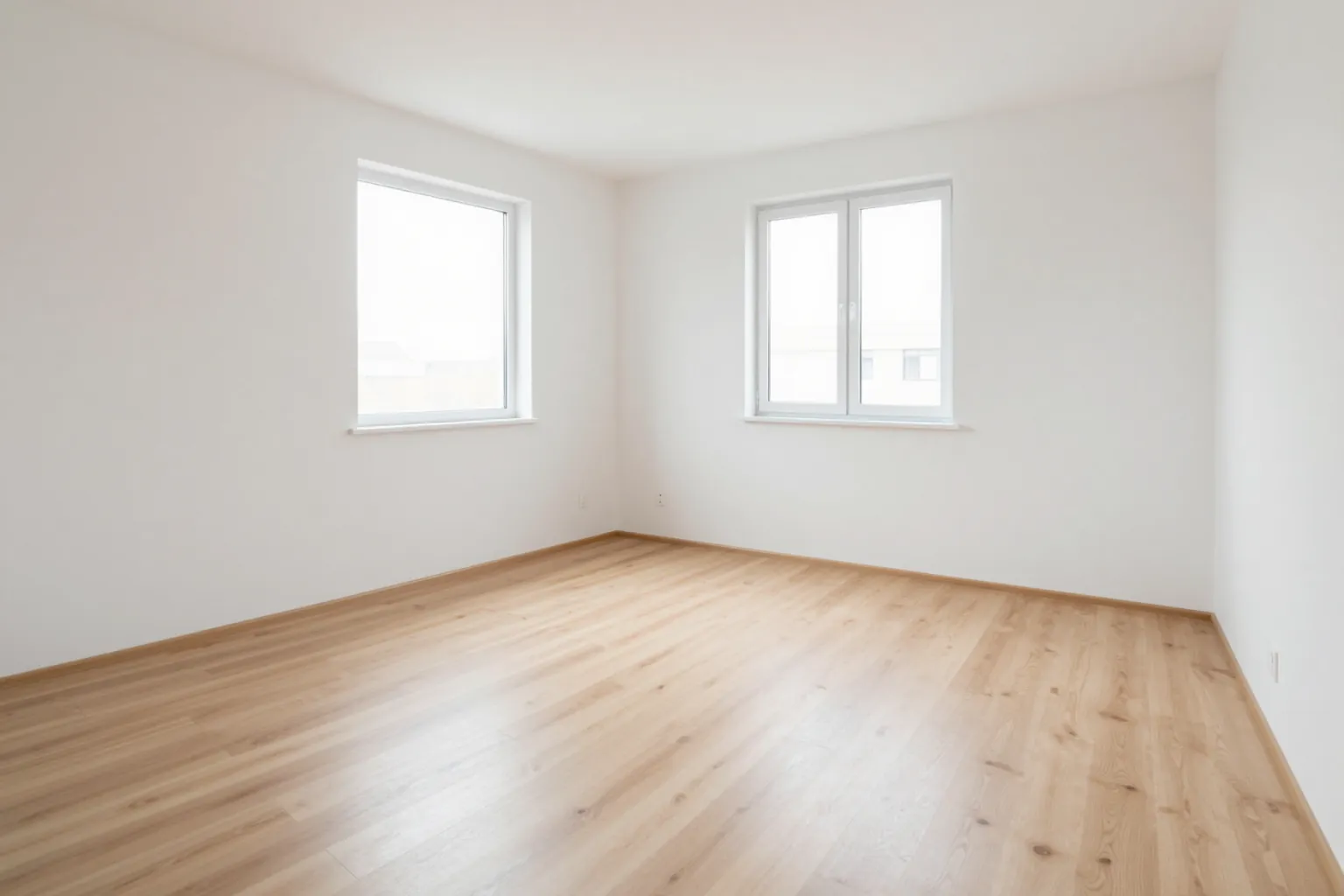
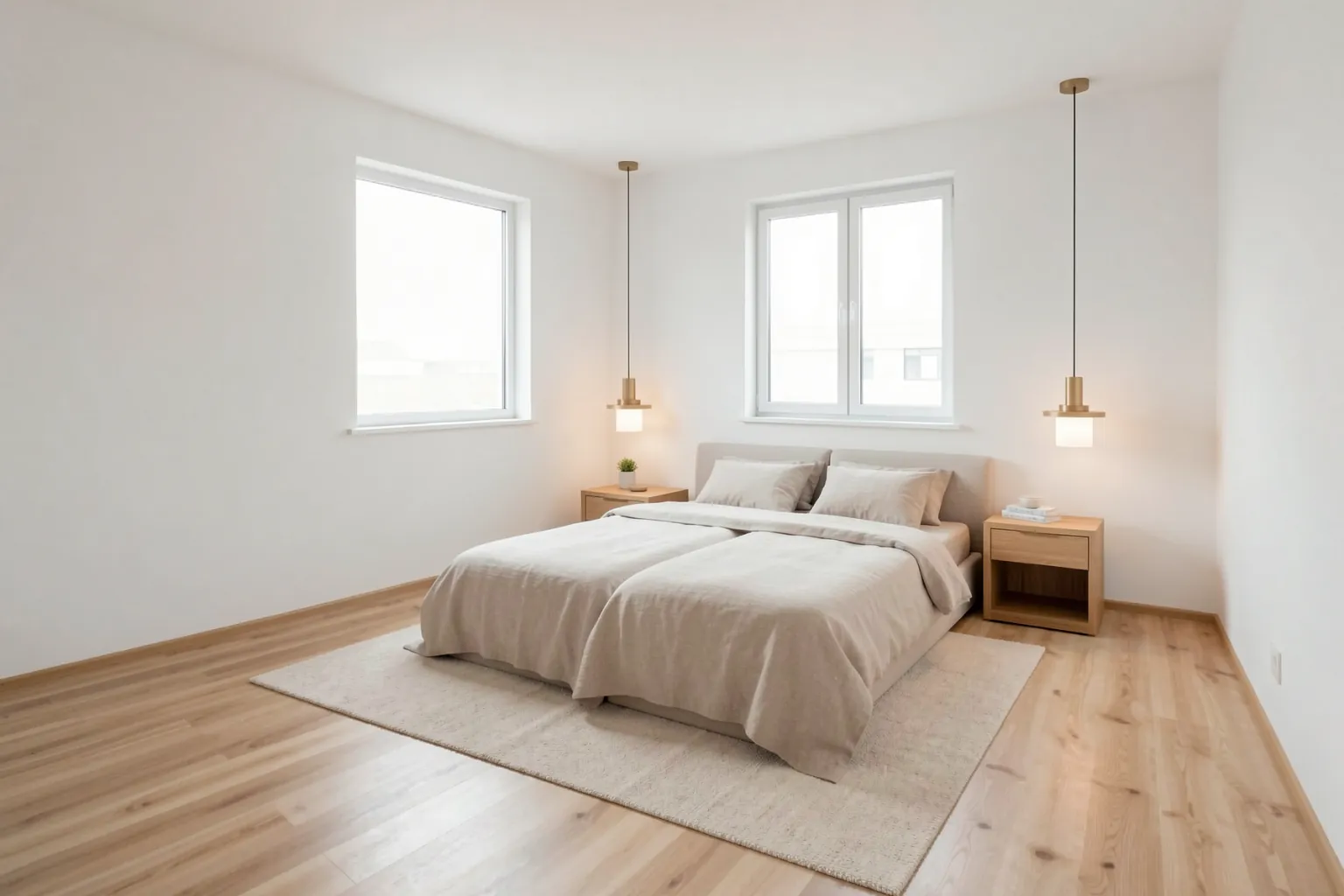
Empty bedroom with white walls and a window before AI virtual stagingThe same bedroom furnished in Scandinavian style with AI virtual staging
The empty bedroom and the staged result.

Bedroom staging

A bare bedroom staged in Scandinavian style with a bed, nightstands and soft textiles.
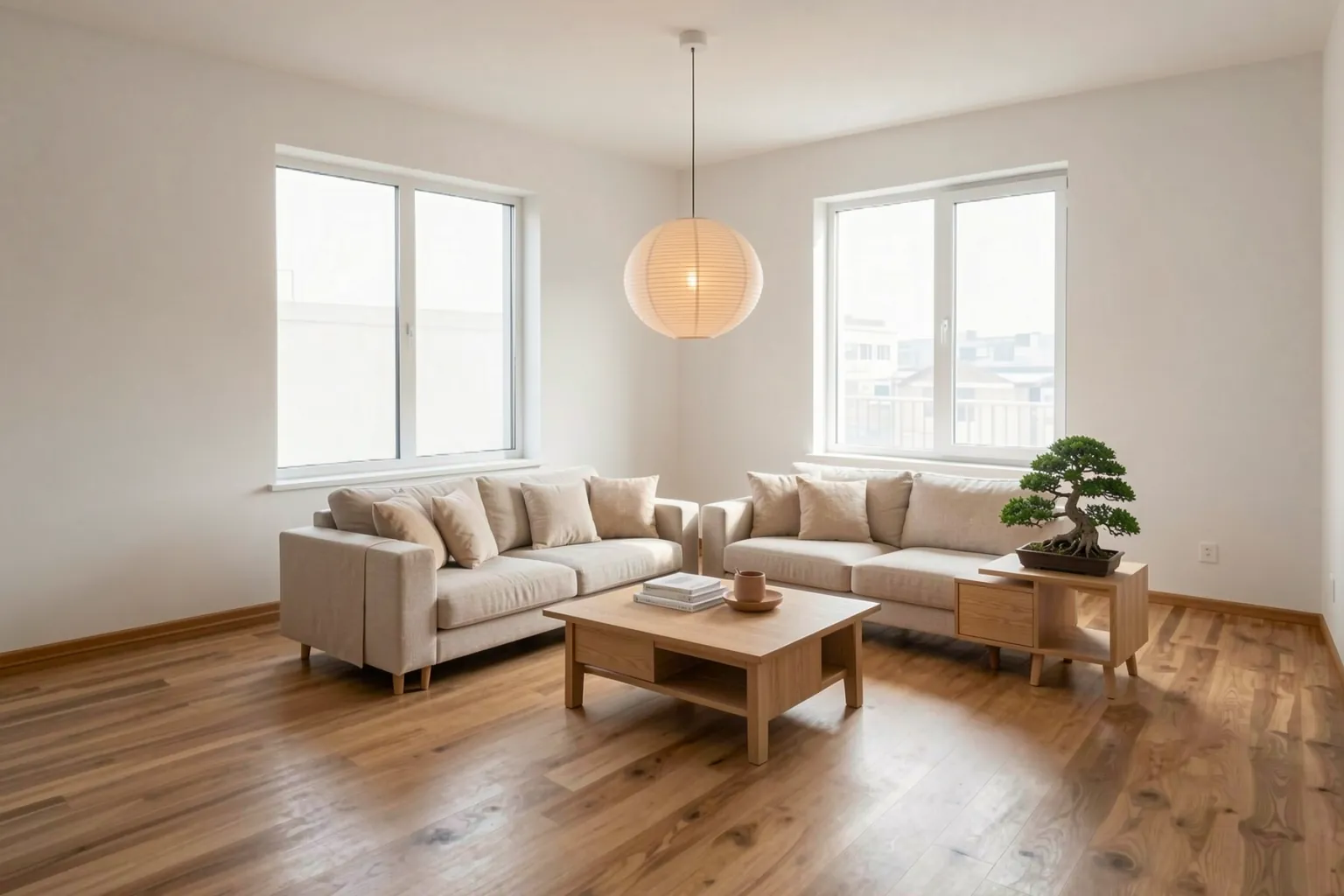
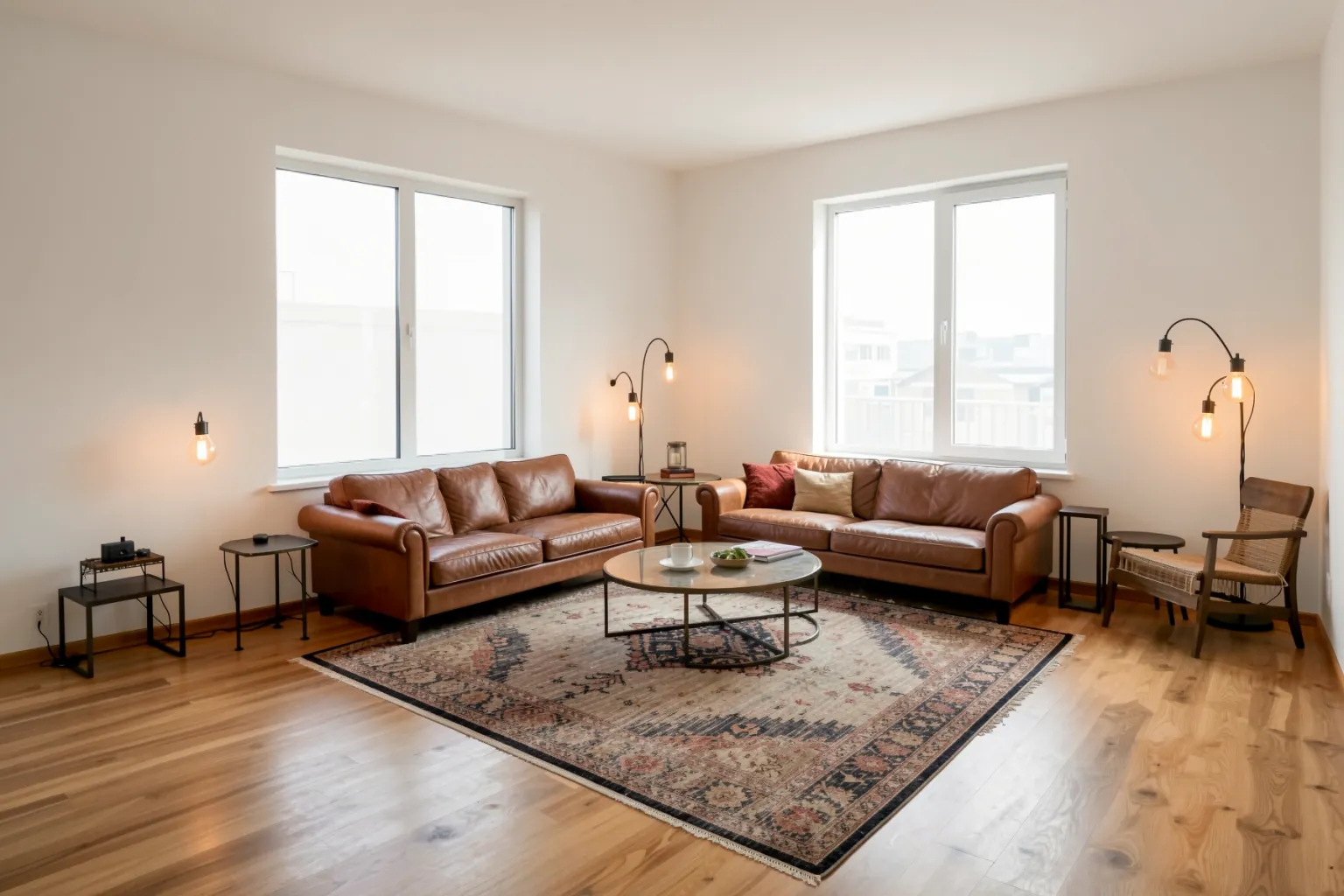
The empty living room staged in Japandi style with low wooden furniture and beige tonesThe empty living room staged in industrial style with a leather sofa and metal accents
The same empty room staged in Japandi and in industrial style.

One room, several styles

The same empty living room staged in Japandi and industrial styles, so a listing can speak to different buyers.

WHY IT HELPS

Who uses AI virtual staging

Real estate agents

Make empty listings feel like homes and stand out in search results.

Developers and landlords

Show new-build or vacant units furnished before anyone moves in.

Interior designers

Present furnishing proposals on the client’s own room photo.

Short-term rental hosts

Test furnishing ideas before buying anything.

FAQ

Frequently asked questions

How does AI virtual staging work?

You upload a photo of an empty room and describe the furniture and style. The AI adds the furnishing to your photo and keeps the walls, windows, floor and camera angle the same.

Is virtual staging allowed in property listings?

Generally yes, but many listing platforms and agent associations expect virtually staged photos to be disclosed. Label them as virtually staged and keep the original photo available.

Can I stage the same room in different styles?

Yes. Start from the original empty photo each time and change only the style description to get consistent versions.

Can I remove existing furniture first?

Yes. Use the AI render editor to clear a room or replace selected pieces with masked editing, then stage the result.

START FREE

Start free with 5 credits every day

5 free credits every day · No credit card required. Try AI virtual staging and every other tool.