AI Video Generation for Architecture: Text-to-Video, Image-to-Video & First-Last Frame
A render or a photo is often a strong presentation tool on its own, but sometimes motion tells a space's story much better — a camera slowly gliding past a facade, a shift from one corner of a room to another. That's where video generation comes in.
"Video generation" isn't a single method, though — which one makes sense depends on what you already have. If you have no image at all, start with text-to-video. If you already have one image, use image-to-video. If you have two images marking a start and an end point, use first-last frame.
Text-to-Video: Starting From Nothing
You generate a video from a text description alone, with no image involved. You describe the scene and the motion — camera movement, lighting changes, atmosphere — in a single prompt, and the system produces a video that matches it.
"A modern glass-and-concrete office lobby at dusk, camera slowly pushing forward through the main entrance, warm interior lighting glowing against the darkening sky outside, subtle reflections on the polished floor"
This method is useful when you have no image at all and want to try out a video concept from scratch.
Image-to-Video: Adding Motion to a Still
If you already have a render or a photo, you upload it and describe the motion you want with a prompt (for example, "camera slowly pans right as it approaches the building"). The system preserves the scene in the image and applies the motion you described.
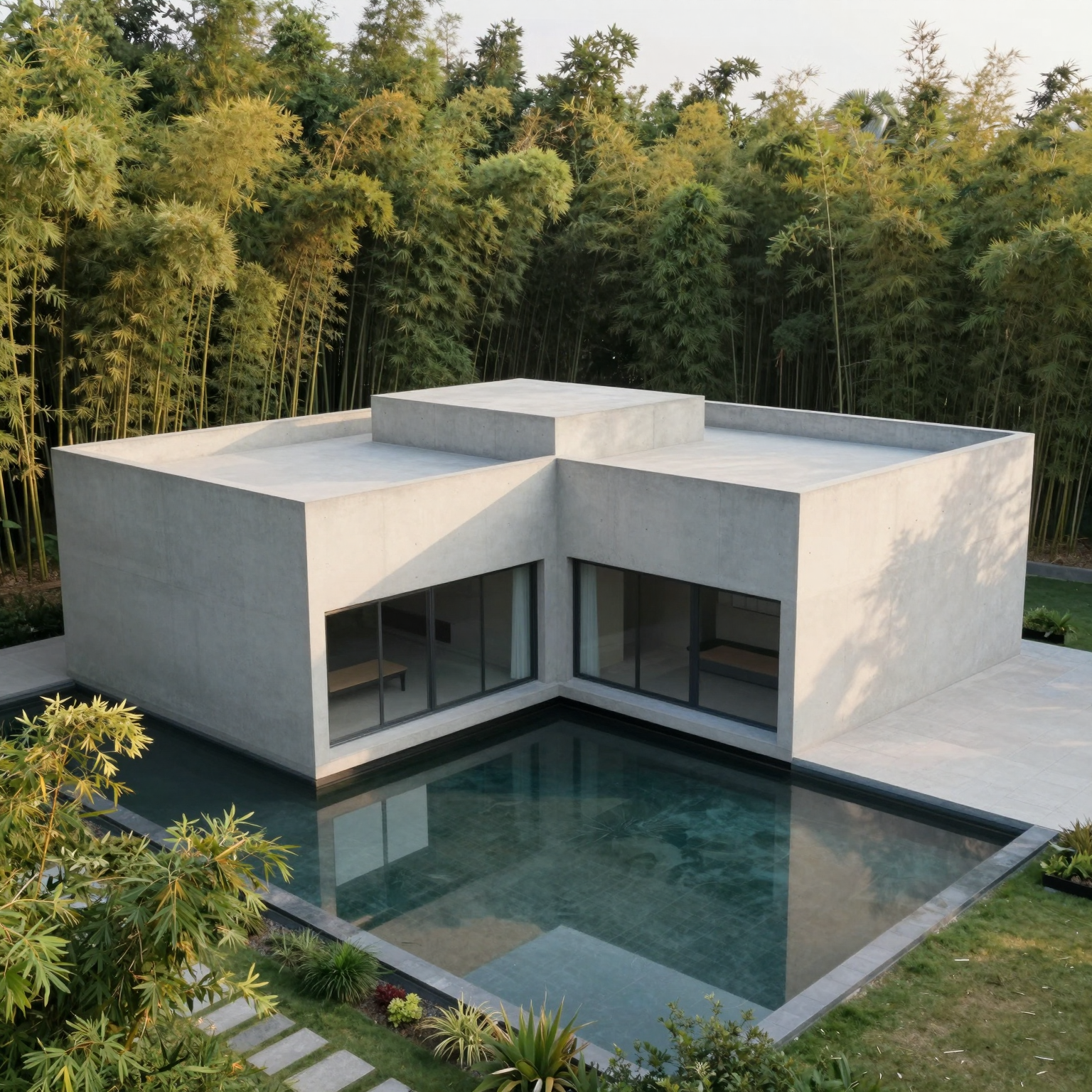
"Camera slowly rotates around the courtyard, water in the reflecting pool gently rippling, bamboo leaves swaying softly in the breeze"
This method is useful when you already have an image you like and want to turn it from a still into something in motion.
First-Last Frame: A Controlled Transition
If you have a starting image and an ending image — for example, a space in daylight and the same space at night, or the start and end point of a camera move — you upload both and describe the transition between them with a prompt. The system generates the motion that connects the two frames.
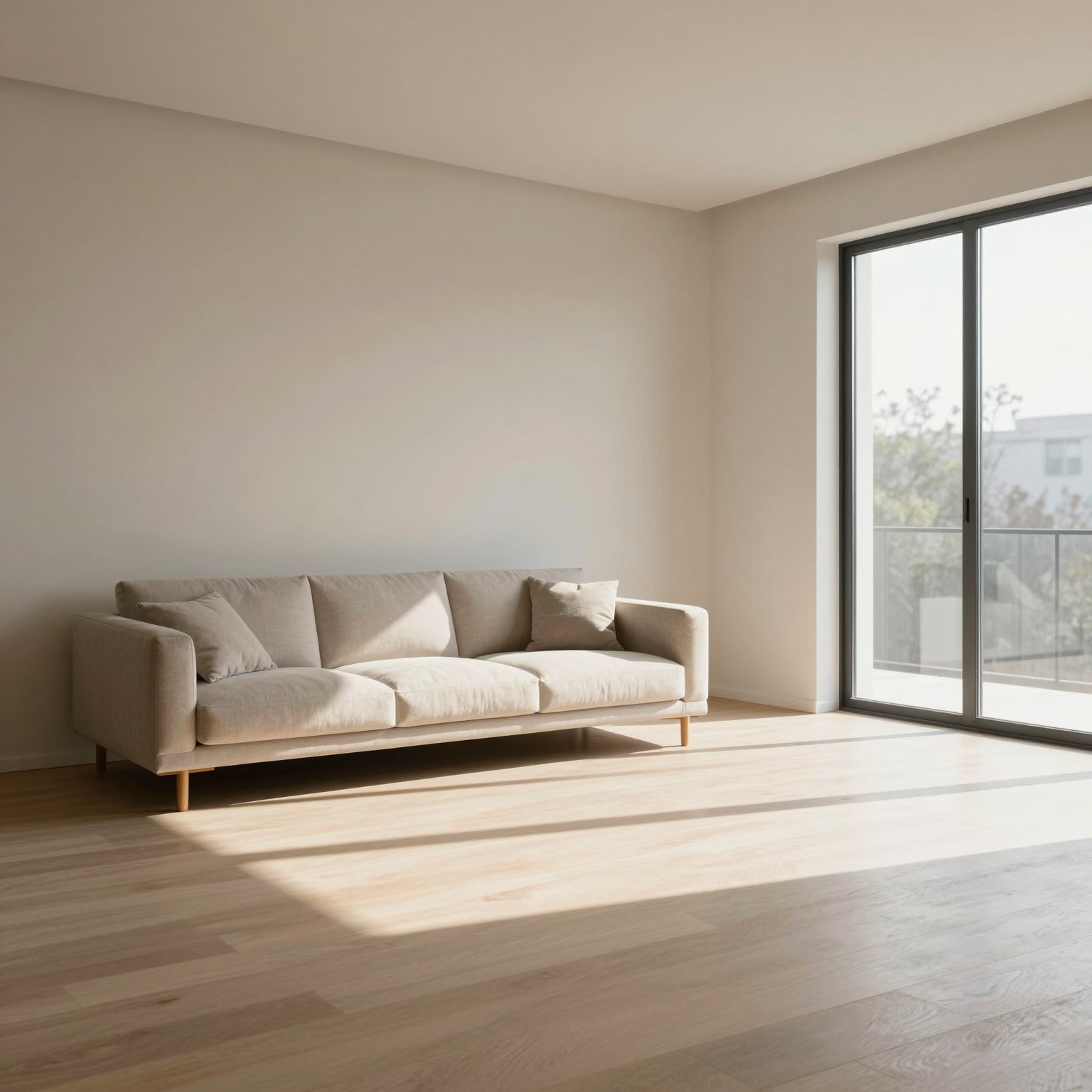
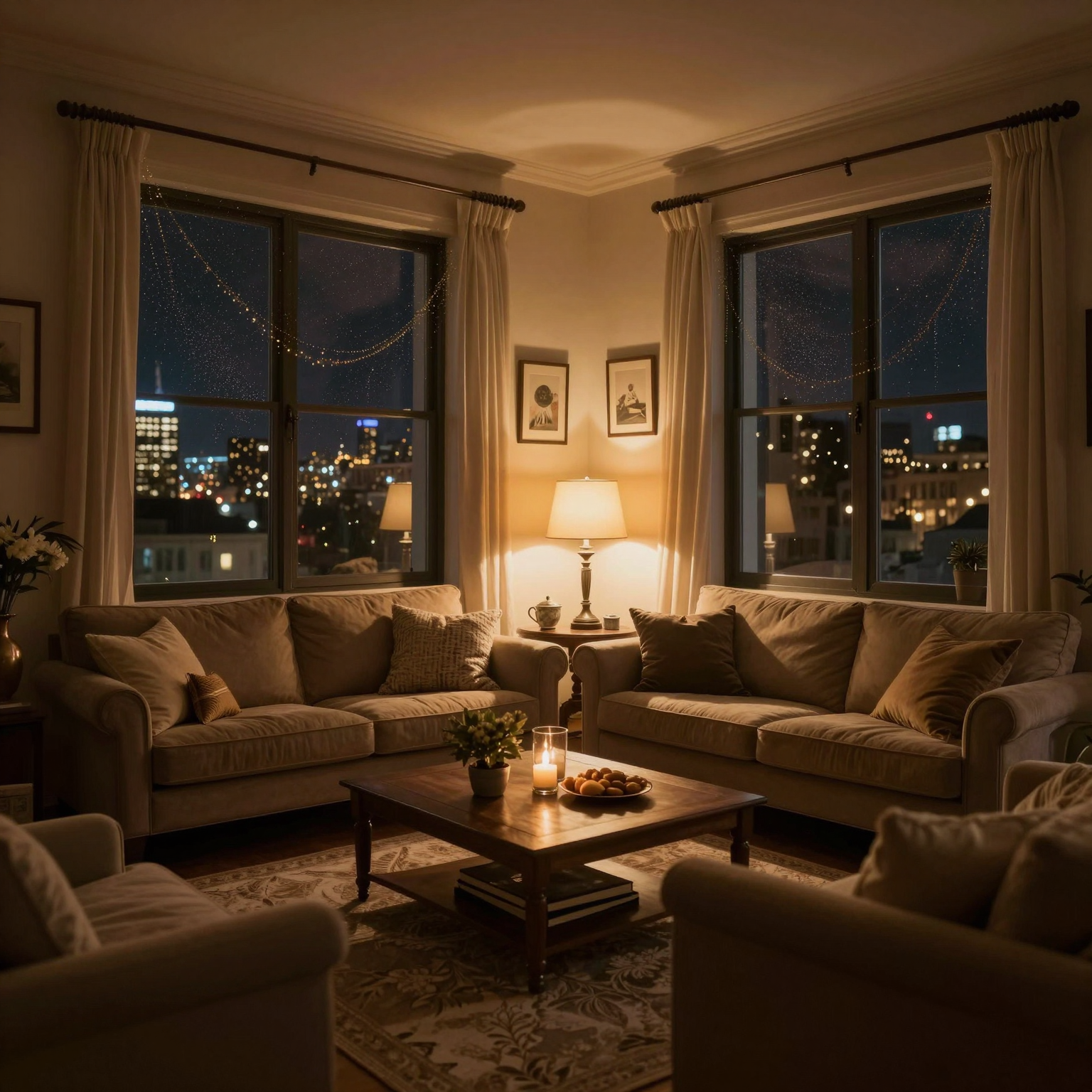
First frame (day) and last frame (night) — the two fixed points of the transition.
"Smooth transition from day to night, lighting gradually shifting from natural daylight to warm interior lighting, city lights slowly appearing outside the window"
This method gives you the most control when you have a clear start and end point and want a deliberate, well-defined transition between them — for instance, a shift from one camera angle to another.
Which One to Use, and When
No image at all — Text-to-video
One image you want to bring to life — Image-to-video
A clear start and end point — First-last frame
Who Is This For?
- Architecture studios — adding a moving dimension to presentations beyond static renders
- Real estate professionals — presenting a space in a promotional video format
- Interior designers — showing a space's transition across different times of day, like day to night
- Architecture students — adding motion to portfolio presentations
Conclusion
Video generation isn't a single method — the right starting point depends on what you already have. Start with text if you have nothing, add motion to a single image if you have one, or generate the transition between two clear frames if that's what you need.
Ready to generate your own video?
Try it free →